

LinkedIn Profile Picture Styles: Polished Without Looking Like Someone Else
A portrait can look overprocessed without looking unusually glamorous. Skin may retain texture while the face has changed substantially. Another image may change the setting and clothes while leaving the useful personal features alone.
For a work profile, ask: has the image improved the conditions for meeting you, or quietly replaced the person someone expects to meet?
The pair below shows existing editorial illustrations of one fictional adult: a home-selfie scene and a professional portrait scene. Look at what changes before deciding what you would keep.

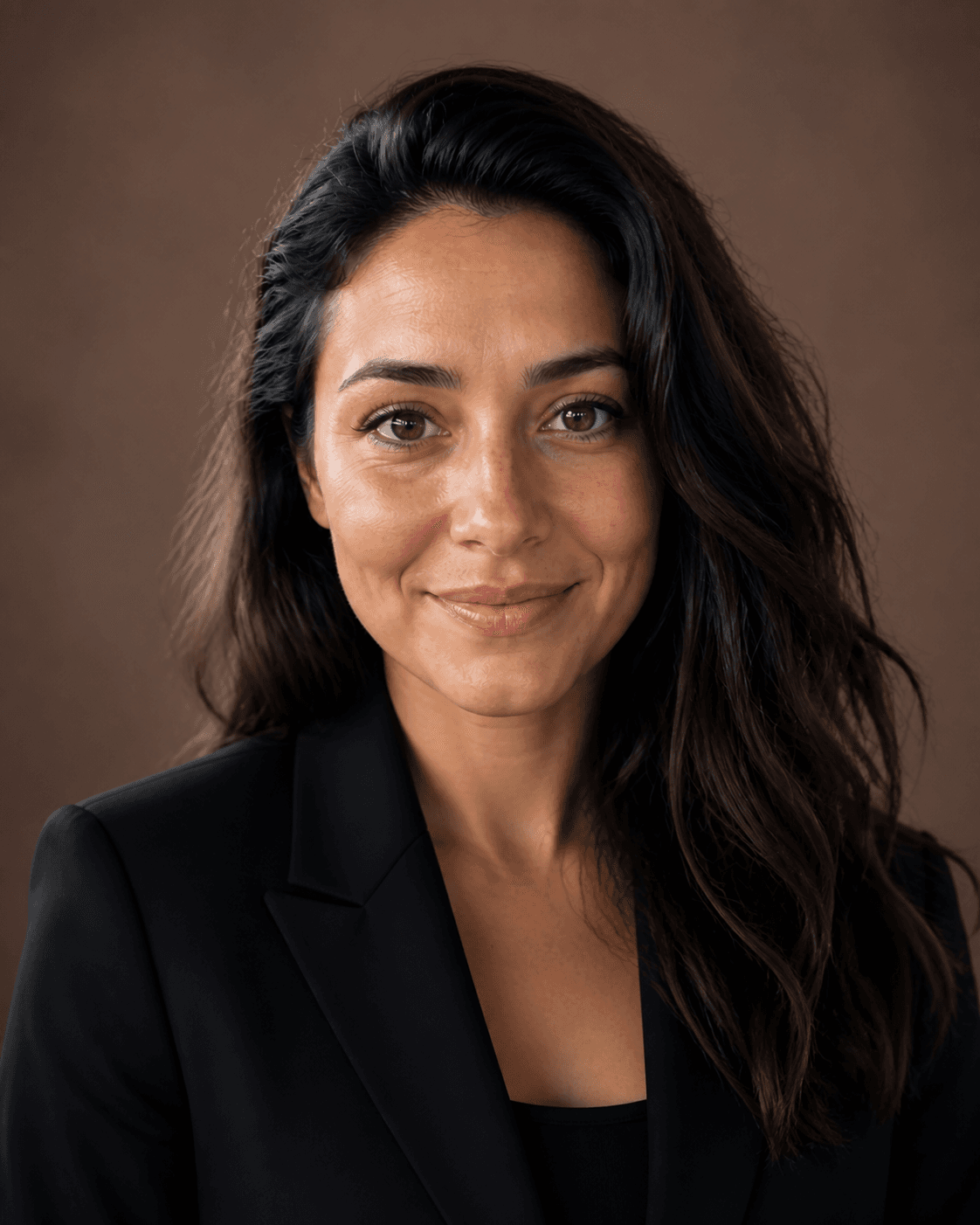
AI-created demo model. These are existing fictional-adult illustrations, not customer photographs or a new evaluation of the current generation model. Different head angles and framing prevent a pixel-by-pixel identity comparison.
Changing the setting is different from changing the person
The window, wall and furniture give the left image a home setting. The right replaces them with brown and exchanges a gray knit top for a dark jacket. Cover the face temporarily and you can still see that the occasion has changed.
Those edits change what the photograph communicates: an everyday record becomes a deliberate introduction. Larger eyes, a narrower jaw or lighter skin are not necessary for that change to make sense.
If the original problem was clutter behind your head, ask why you would also accept changes to your age, complexion or facial structure. Naming the problem makes it easier to judge an edit instead of counting every difference as an improvement.
Natural texture is not an all-or-nothing decision
In the professional example, look at the forehead, eye area and sides of the nose. Local texture and changes in light remain. A more formal presentation has not required turning the entire face into one smooth surface.
The opposite rule—smooth skin always means an inaccurate image—also fails. Soft light, makeup and a small file can hide texture. Check whether the details make sense together: plastic-smooth cheeks beside extremely crisp hair, or an evenly flattened face around unusually bright eyes, can make the treatment look inconsistent.
Start at the size where you will use the picture, then enlarge it. A small artifact visible only under heavy magnification should not automatically matter as much as a change that alters the person's appearance at normal viewing size.
Refined features still need to be your features
Compare the source and the edited picture in a sequence: eyes, nose, mouth, outer face. Name the differences. Did the eyes become rounder? Did the nose narrow? Does the shape of the mouth or jaw still resemble your everyday appearance?
Pose, expression and camera distance can also change how a face looks. Exact overlap is not the goal. The useful boundary is whether stable personal features have been exchanged for a standardized face.
Check eyes and teeth separately. If their brightness is disconnected from the lighting on the rest of the face, they can look pasted in. When teeth are visible, inspect whether their shapes and arrangement have suddenly become a repeated template. Our example does not show teeth, so it cannot demonstrate that problem; it is something to check in your own photograph.
Exaggerated art and photographic editing make different promises
A clearly drawn avatar can enlarge eyes or simplify hair into color shapes. The viewer understands that it is an illustration. A photograph-like image that quietly changes age, face width or features can instead present those changes as if a camera recorded them.
LinkedIn's official profile-photo requirements allow an illustration or artistic rendering of yourself, while requiring the image to reflect your likeness. A formal outfit is not a substitute for that likeness.
Photographic realism is therefore not the only useful goal. Ask whether someone who knows you would connect the picture with your current appearance. Suitability for the work setting is a further decision.
What these six portrait references actually emphasize
These references are visual options, not uniforms assigned to particular professions or genders. Compare the setting, light and framing before deciding whether you like the clothing. Gallery labels do not determine who can use a style.

Modern founder
An open-collar dark shirt and visible office make location part of the introduction. Keep the office if it adds useful context; crop closer if the desks and wider pose become the main information.
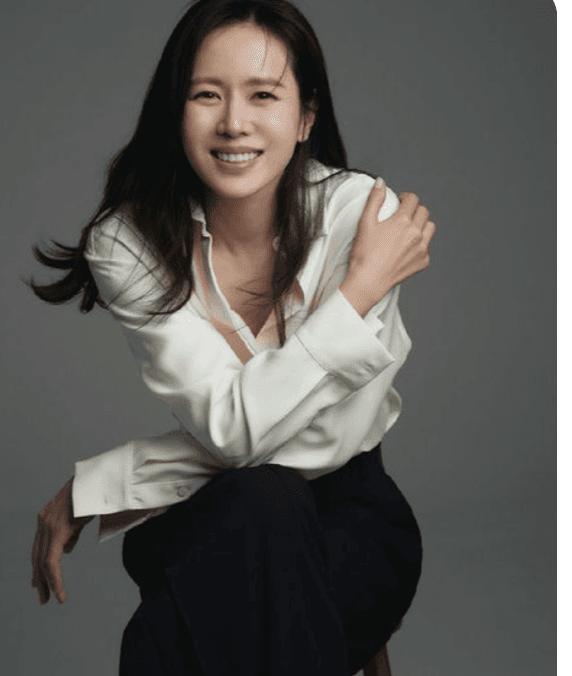
Natural personal brand
The smile and relaxed pose make expression more prominent than tailoring. If you like that informality, preserve it rather than adding a suit merely because this is a work account.
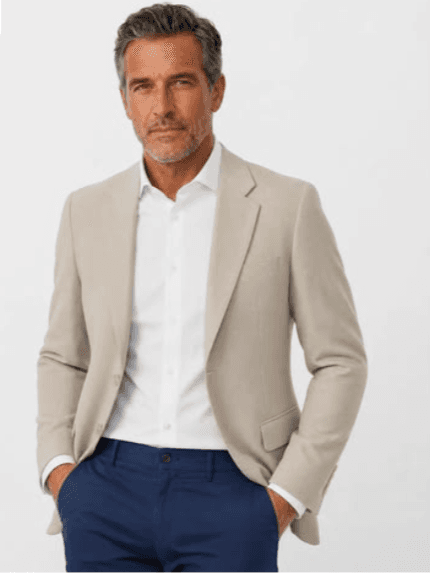
Trusted consultant
The plain background removes location, but the wider standing pose gives substantial space to clothing. A quiet background alone does not make a close headshot; decide whether you need the full pose.
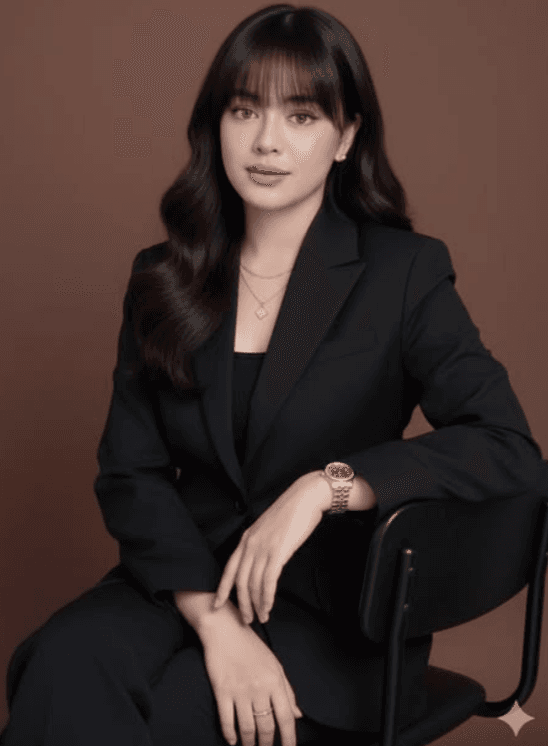
Premium studio
The dark blazer and directed studio light make the portrait more formal. Inspect the boundary between jacket and background, and whether the face remains the clearest area.
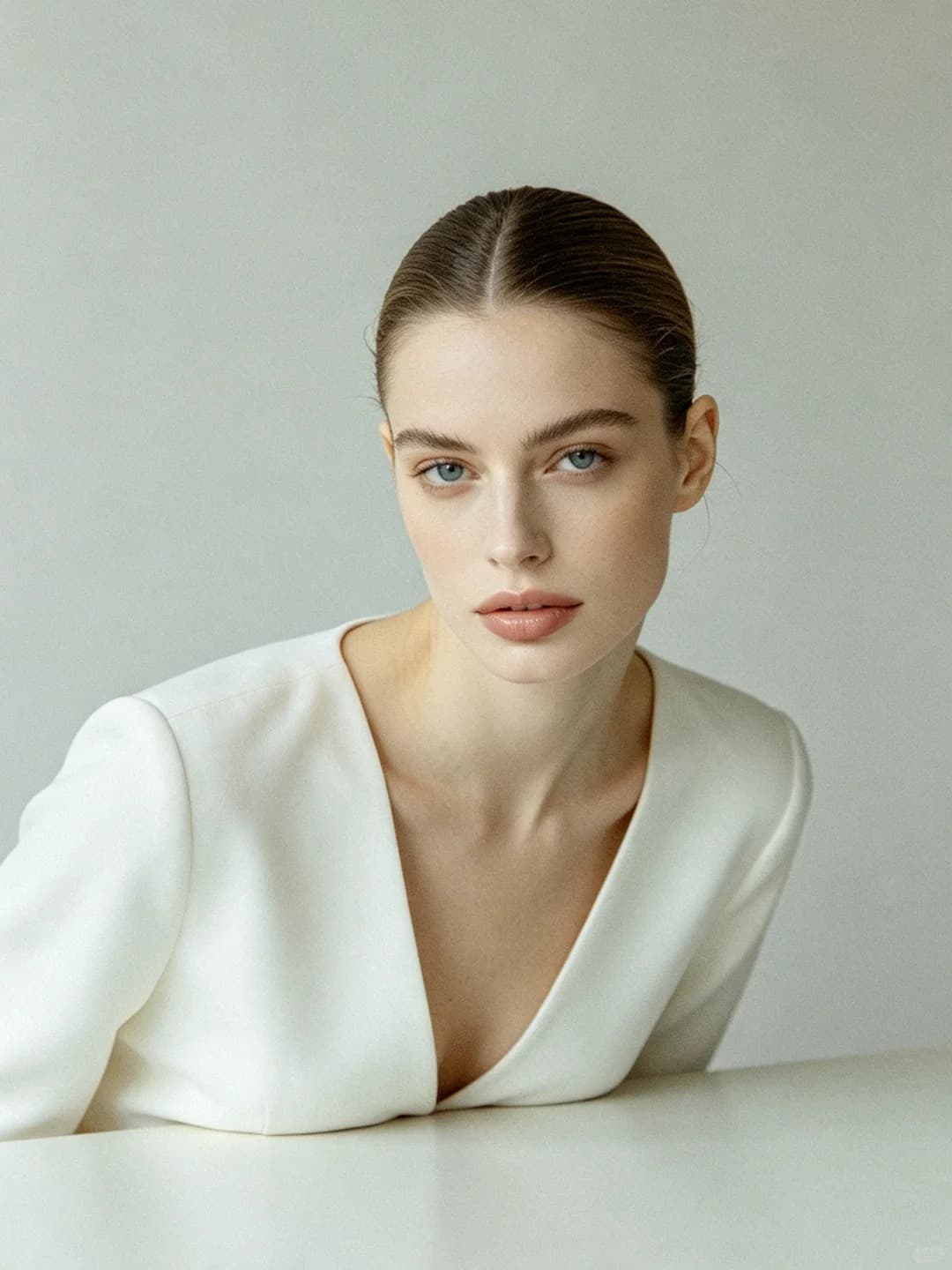
Soft studio portrait
Pale surroundings and soft transitions provide less visual context. Check whether pale clothing and the background merge before assuming that a lighter picture is automatically clearer.
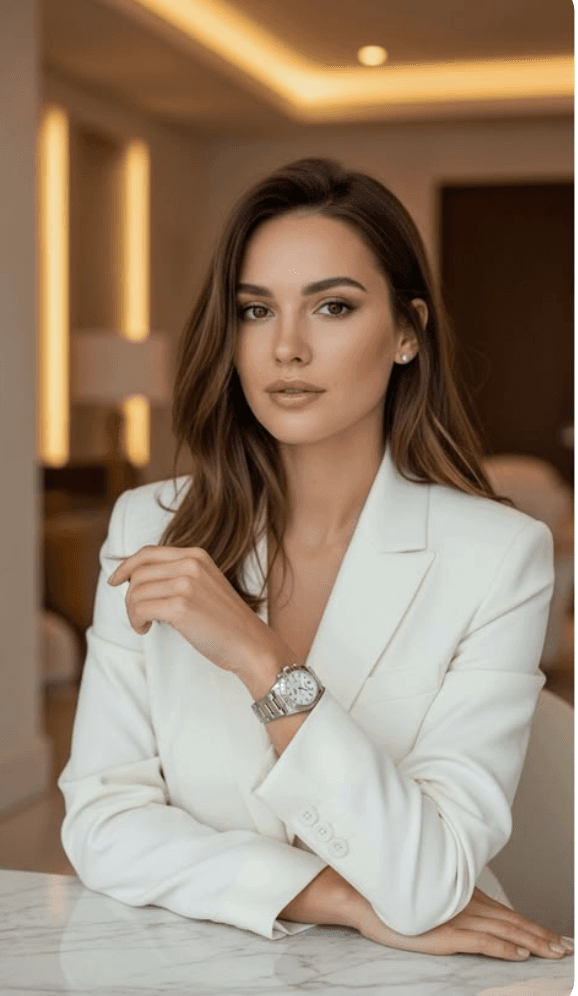
Modern professional
A light jacket and warm interior retain more atmosphere than a plain backdrop. Keep it when that setting belongs in your introduction; compare a quieter version if the architecture draws your eye first.
The references show AI-created demo models, not customer results. A style name does not guarantee a particular outfit, likeness or professional response.
Keep a version you can compare against
Keep your unedited photograph beside the candidate. Identify changes you requested, changes you accept and changes that would surprise someone meeting you. If the only reason to keep a change is that it looks more idealized, reconsider whether it belongs on this particular profile.
You can do that review with a photo you took yourself or one made by a photographer. If you want to explore a visual treatment, the RemixAvatar headshot page offers references to try with your own photo. Review the face after any transformation; choosing a reference does not settle the likeness question for you.