
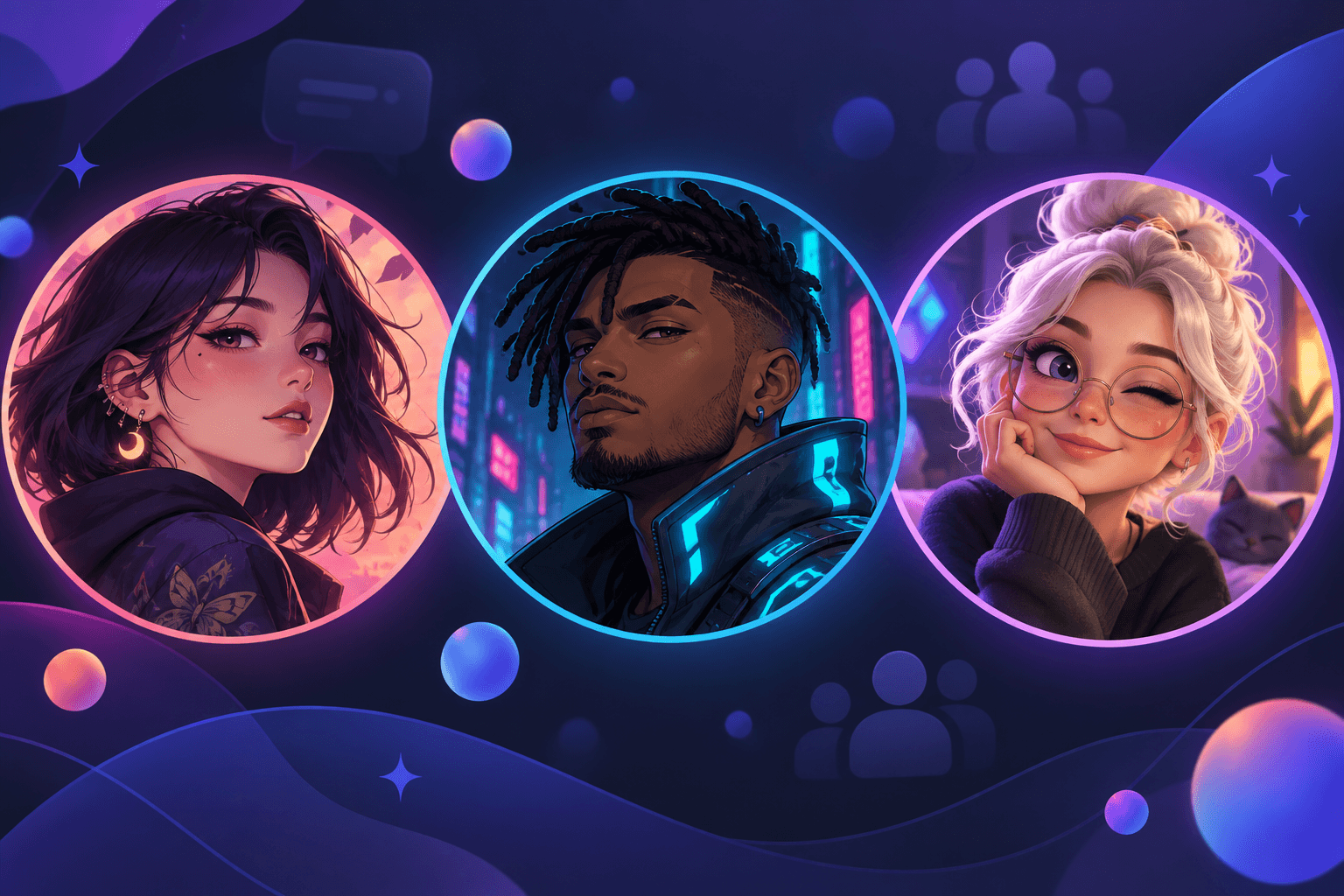
15 Discord PFP Ideas for 2026: Anime, Cute & Gaming
An avatar beside a Discord message is a tiny identity marker. At that size, the choice is less about which image has the most detail and more about what survives: a face, a shape, a color, or a mood.
The three fictional adult demo portraits below have broadly similar faces and hairstyles. Compare the larger images, then the 32-pixel circles, and notice what each picture makes prominent. This is a reading of the pictures, not a controlled test of identity or recognition.
Jump to a direction: Anime · Cute · Gaming · Cool and graphic
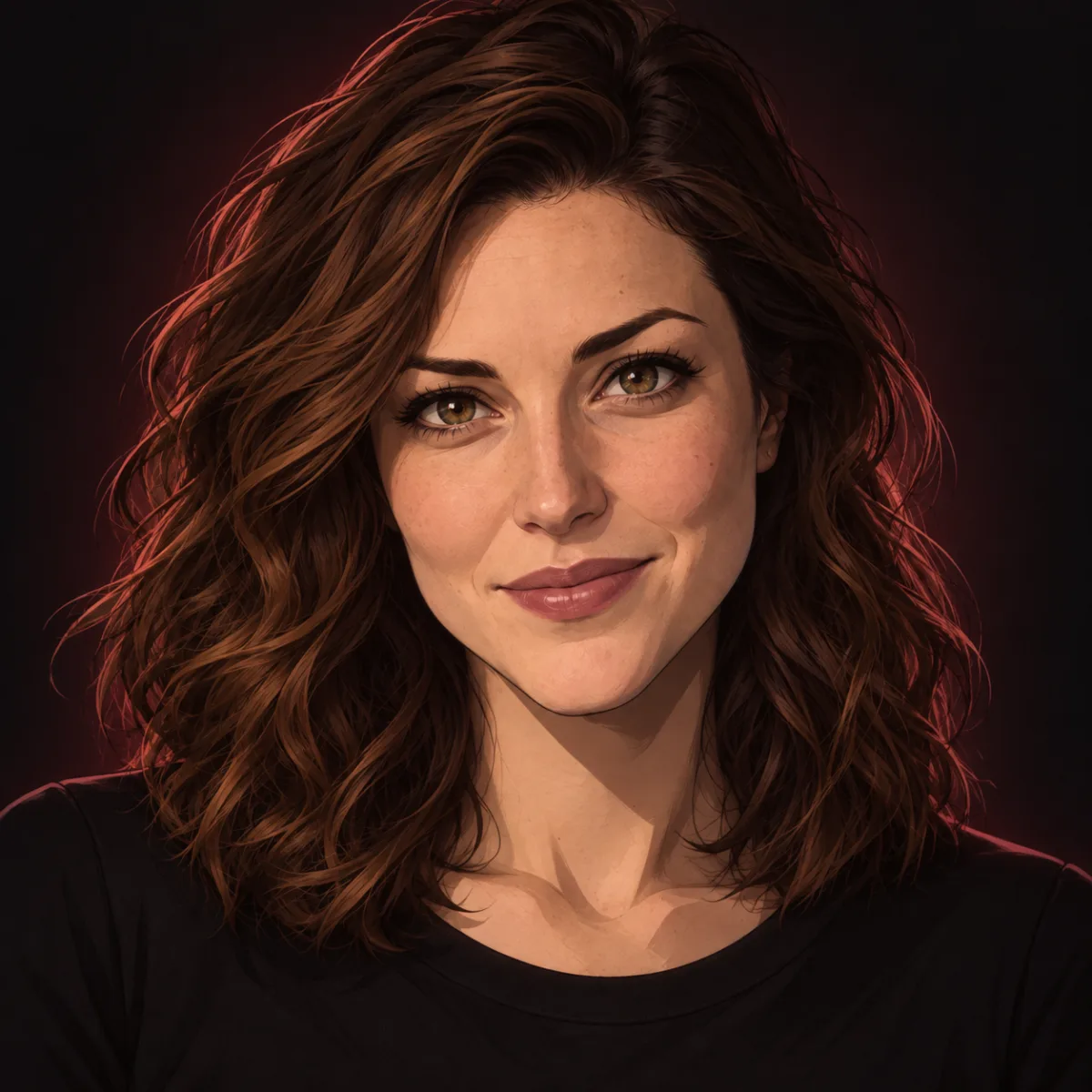
 32 px
32 px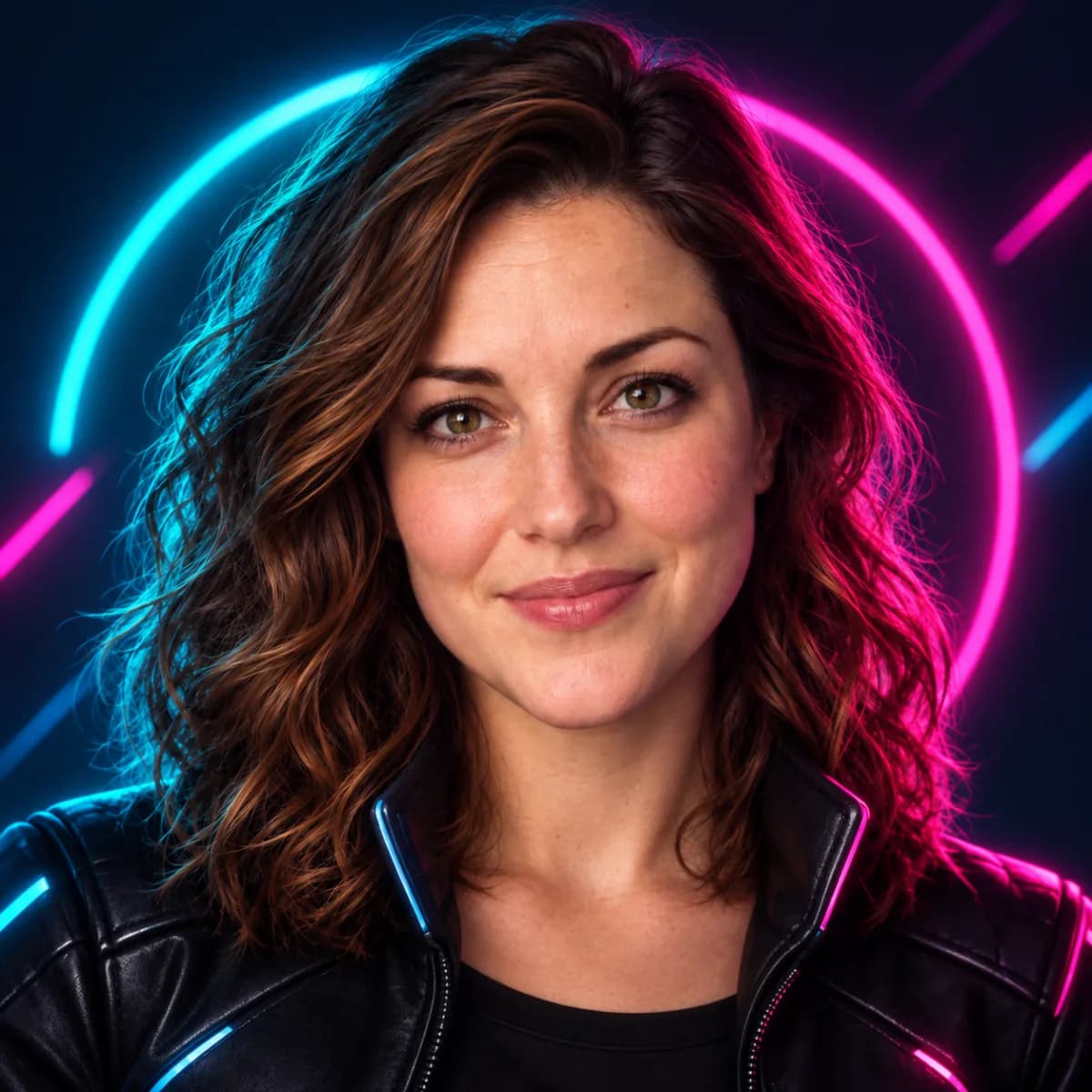
 32 px
32 px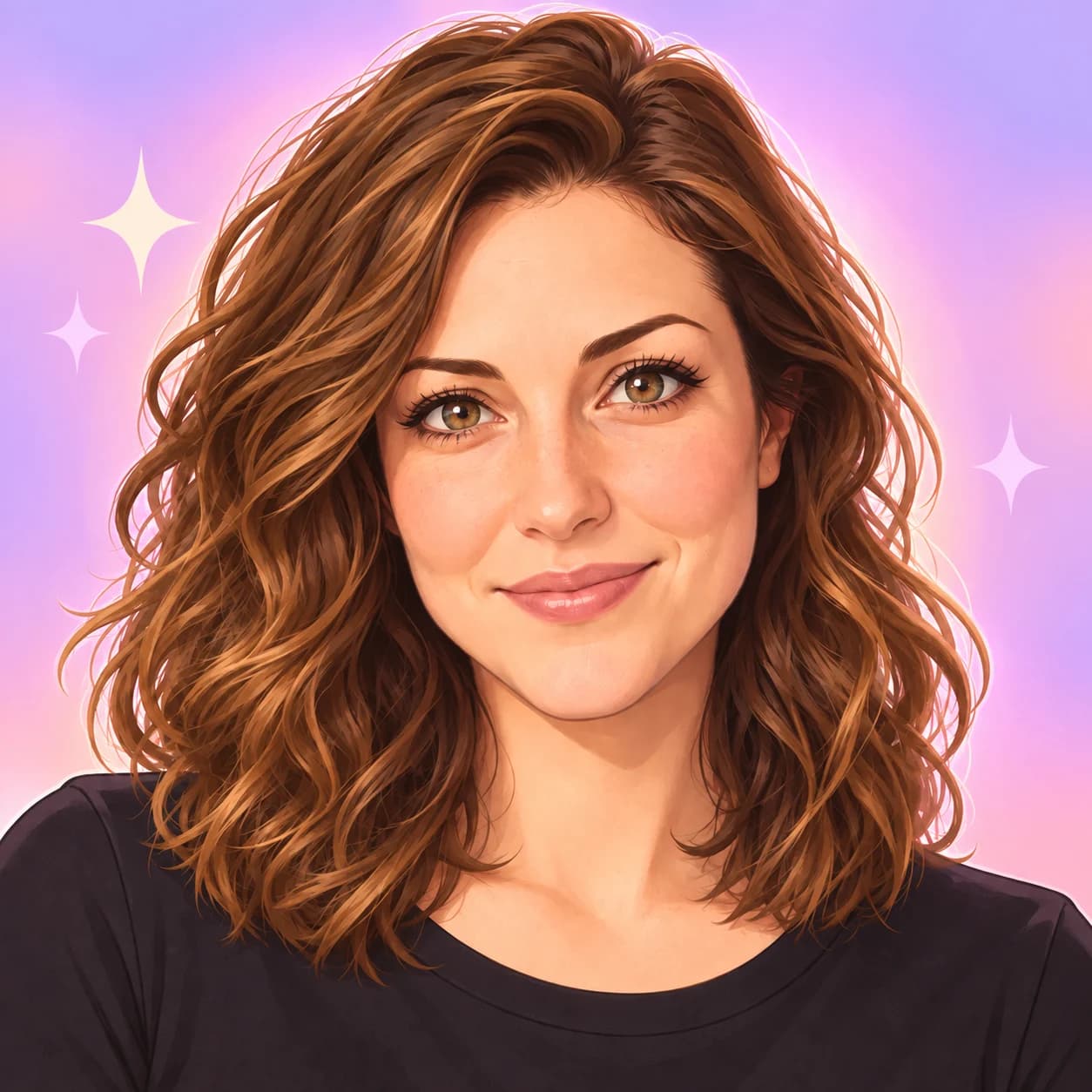
 32 px
32 pxThese are AI-created demo models, not customer photos or results generated from a reader’s upload. The 32-pixel previews are a visual comparison, not a Discord upload specification or a recognition test.
Three directions, three different focal points
In Dark Anime, the background stays close to black and brown while a thin red rim catches the hair. The dark field keeps the face and hair together as one mass; the red edge is the accent. That can suit a moody illustration, though the hair blends into the background more than it would on a light field.
In Cyberpunk Gamer, a blue arc on one side and a magenta arc on the other frame the portrait. The face remains warm-lit, so the neon reads as a border around a person instead of coloring the whole face. This gives the image a strong graphic frame; at message size, that ring may be the first thing you notice.
In Pastel Kawaii, the lavender and pink background, cream star shapes, and larger illustrated eyes all compete for attention in a gentler way. The bright field separates the hair from the background, while the stars make the picture feel more decorative. Choose it when that playfulness is part of the account’s identity; simplify the backdrop if you want the face to carry more of the image.
There is no universal recognition winner here. The useful question is which feature you want people to associate with your account—and whether that feature still shows inside the small circle.
Manga and webtoon: decide how much line work you want
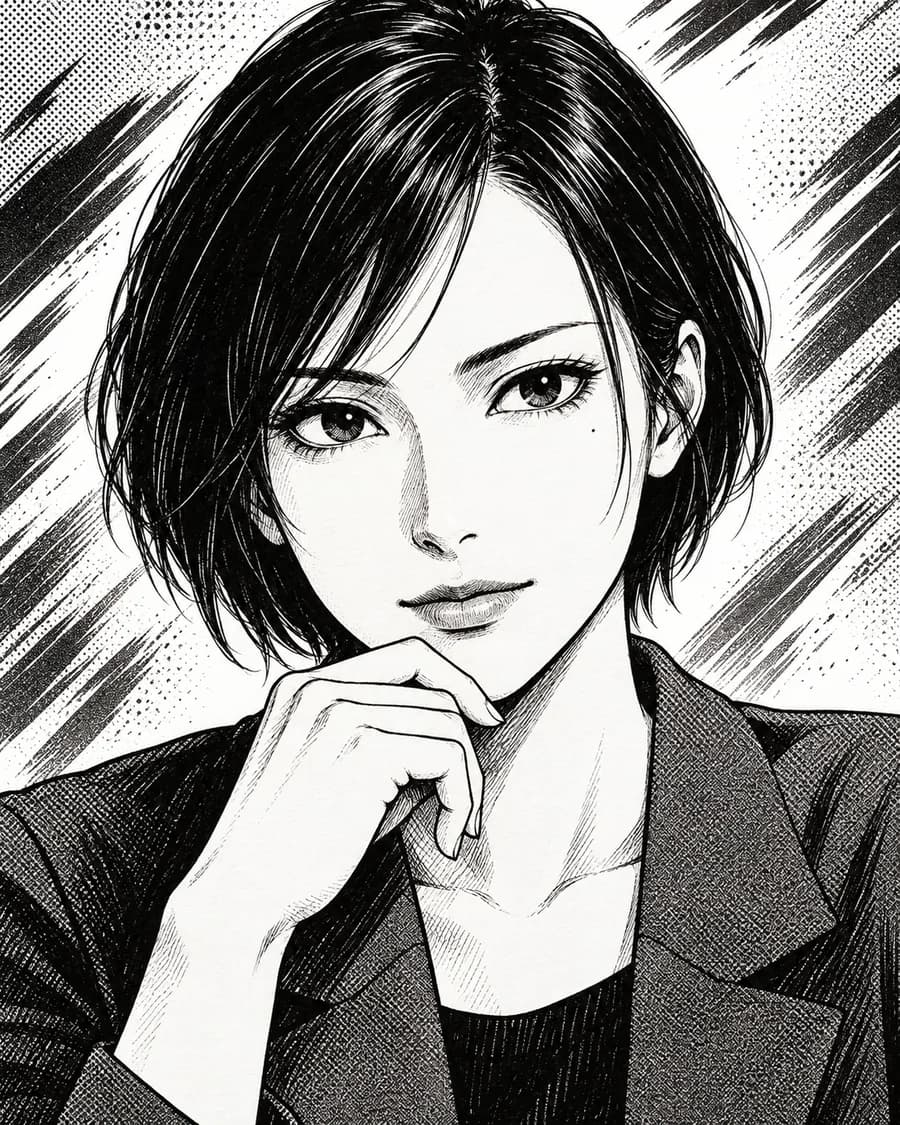
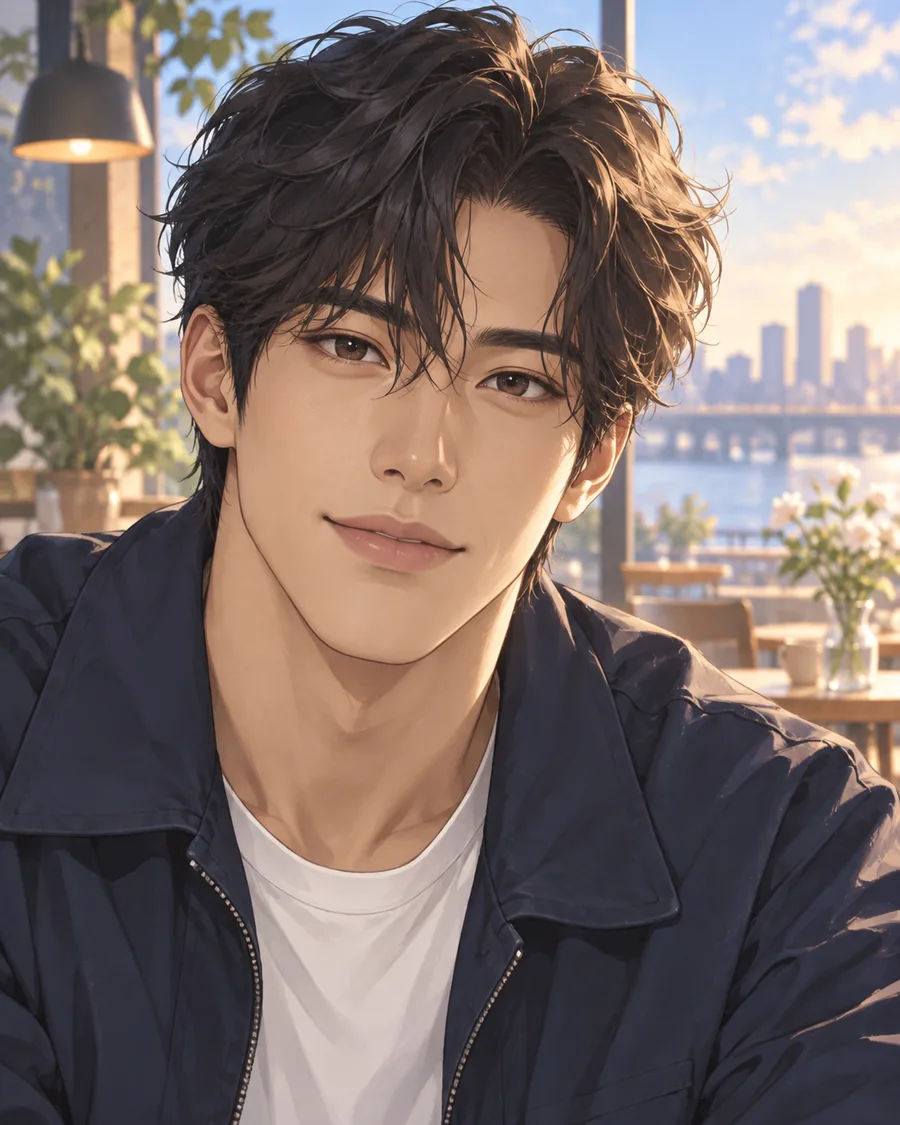
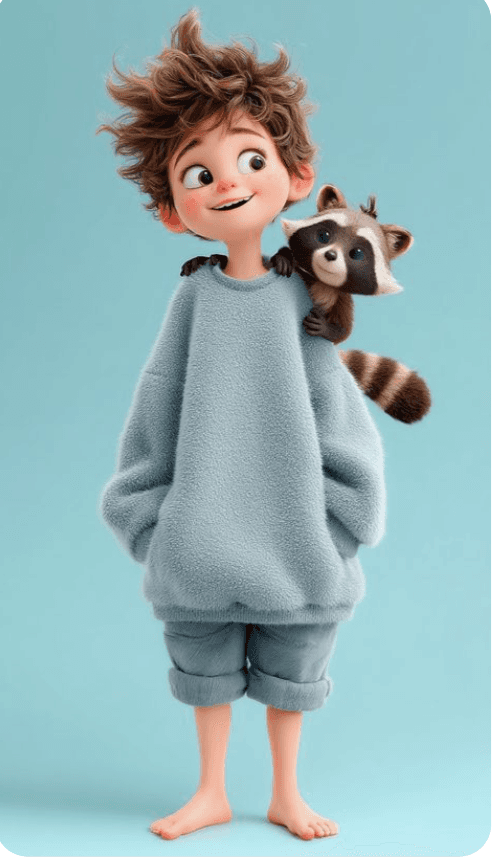
Ink manga reduces the decision to dark marks against light space: check whether the eyes and hair outline remain legible when reduced. Color webtoon keeps the drawn face but adds color areas, so you can carry a palette as well as an expression. Animated adventure uses softer transitions and a storybook feel; subtle shading may merge at small size, while the overall face shape remains. Pick by the kind of detail you want to keep, not by the genre label alone.
Gaming: build around a world, a role or a face
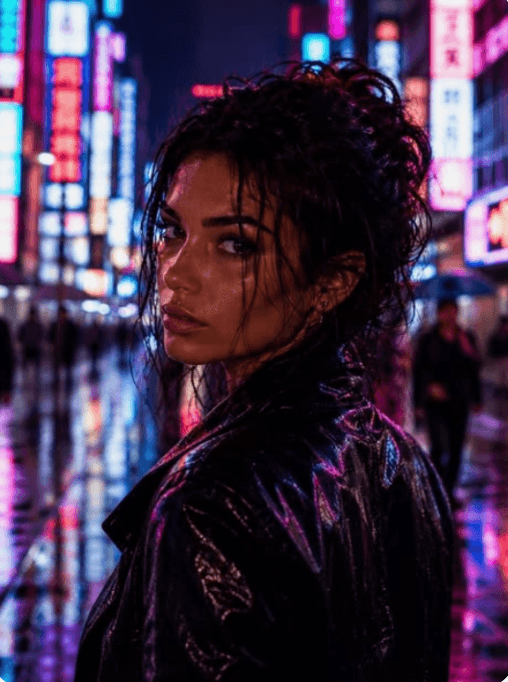
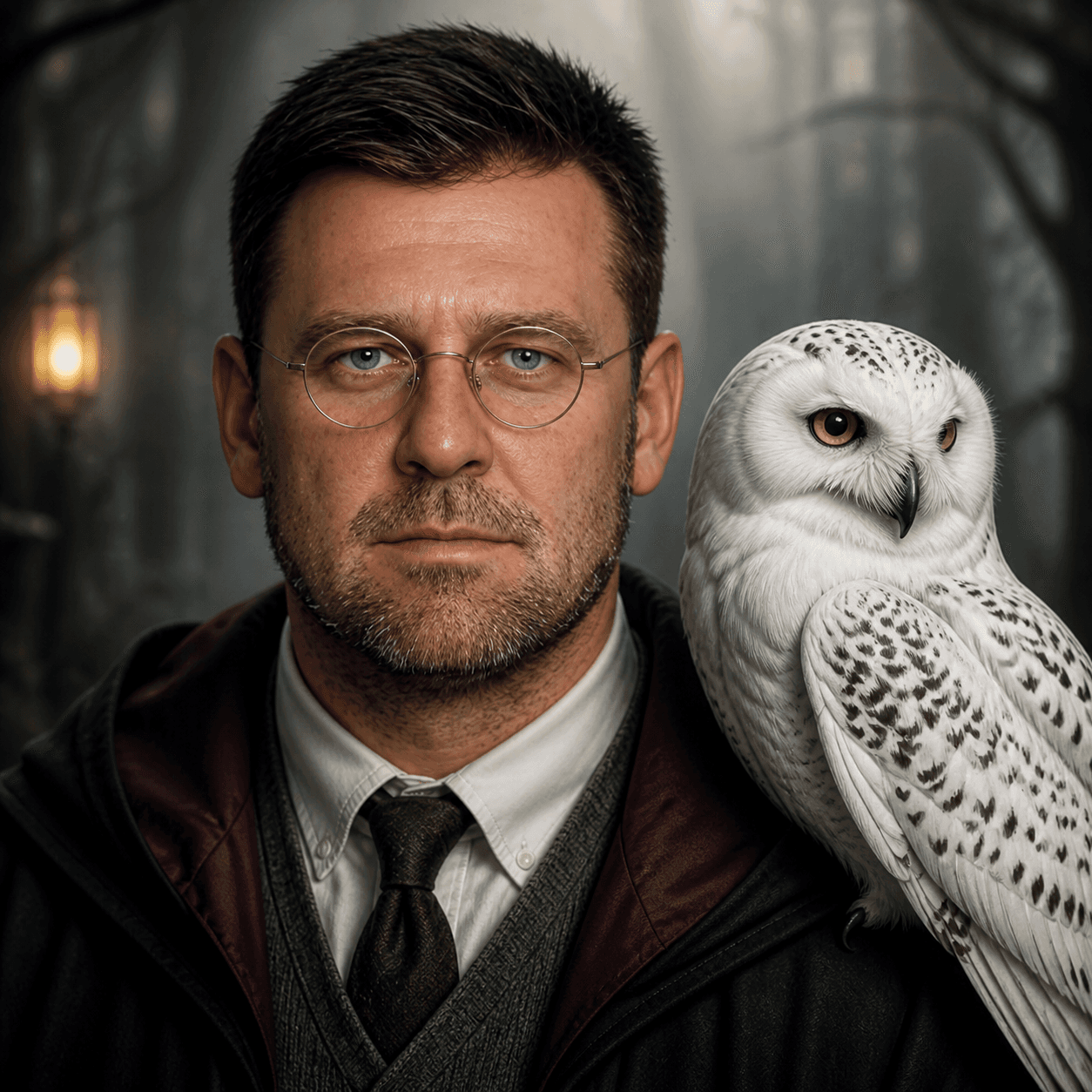
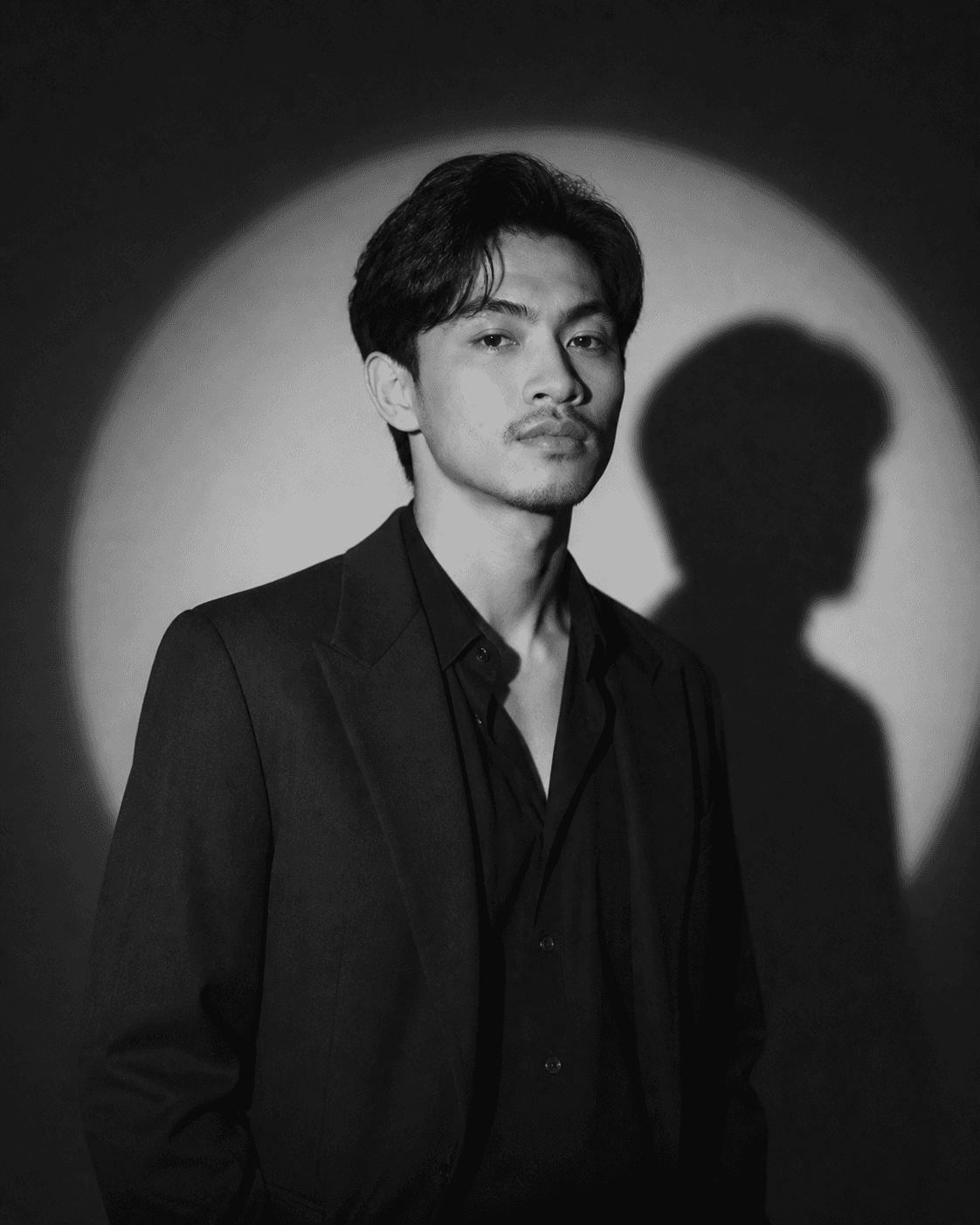
The neon city sells a setting through colored light; check that the face does not become just another lit surface. A fantasy hero can suggest a role or imagined world, but too much costume detail has little room to read in a circle. Tactical noir narrows the palette and uses a focused light, which can leave fewer competing cues. All three work as original character directions without copying a specific game character or skin.
Cute: choose between polish, exaggeration and texture
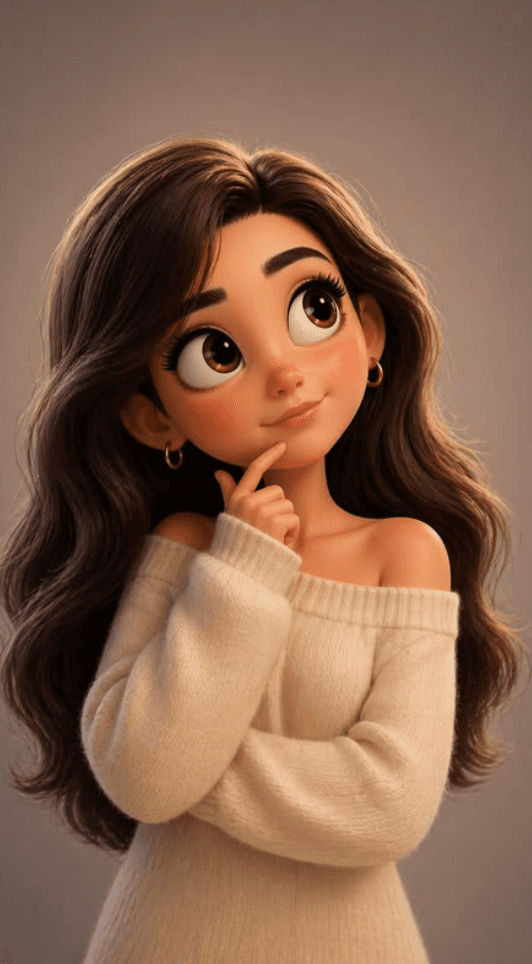
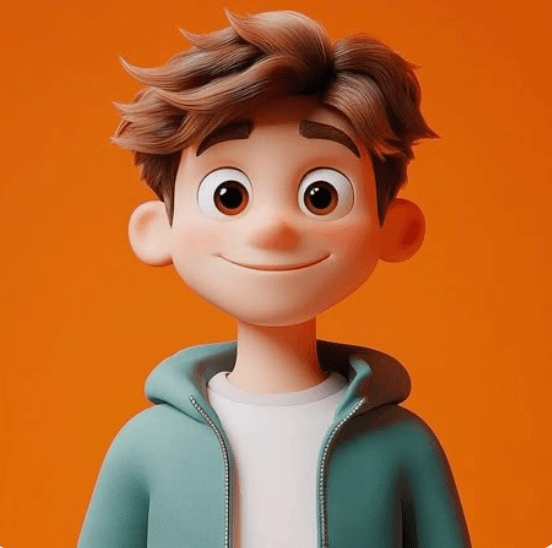
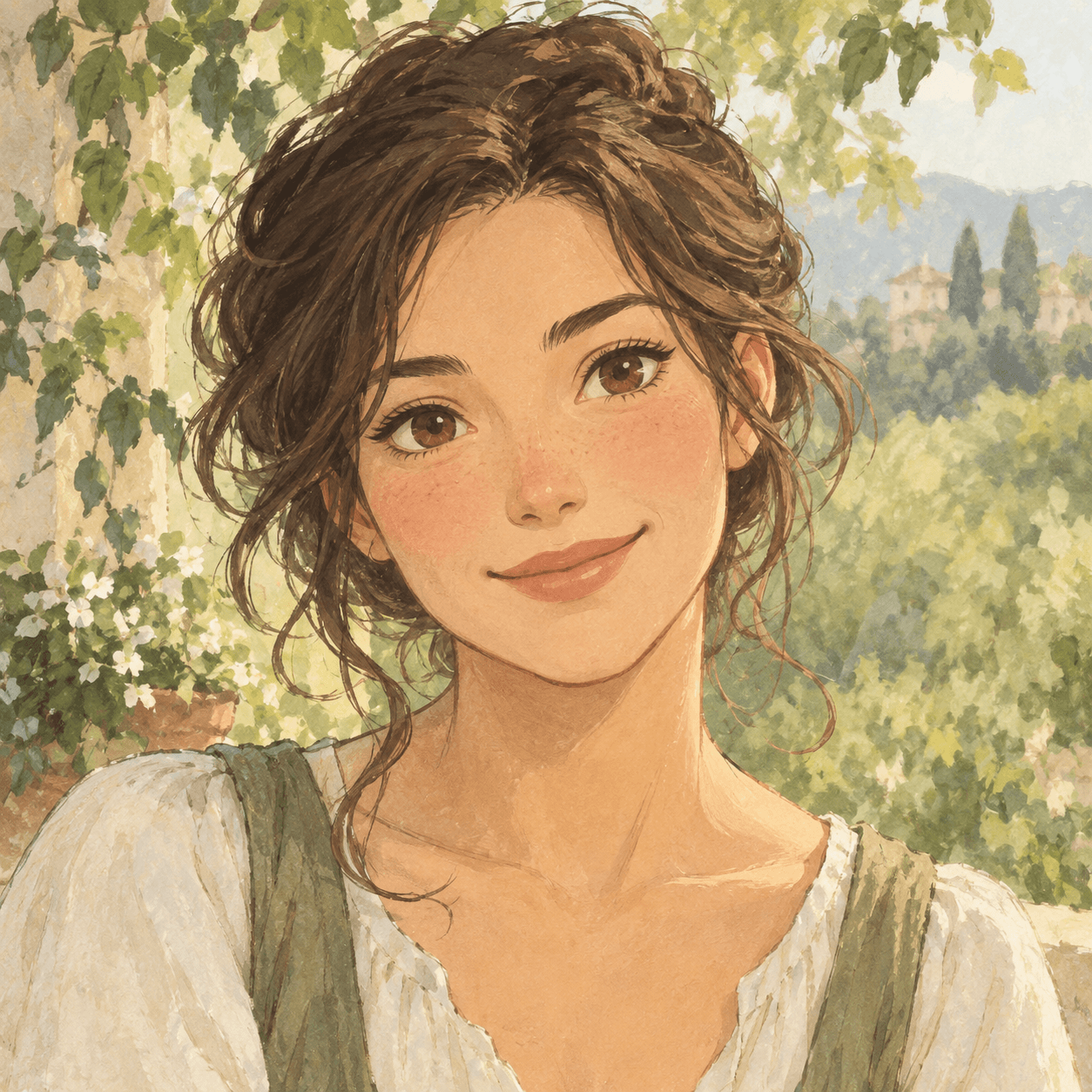
Warm 3D keeps more portrait-like proportions and smooth surfaces. The rounder character exaggerates shape and expression, so it reads as a designed character rather than a lightly restyled photo. Hand-painted animation trades surface polish for visible brush-like texture. At small size, texture can recede; the broader color arrangement does more of the work. These styles can be playful without making the subject a child.
Cool and graphic: let one device lead
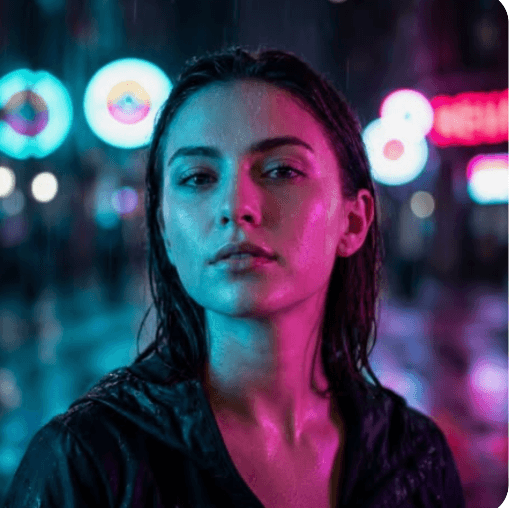
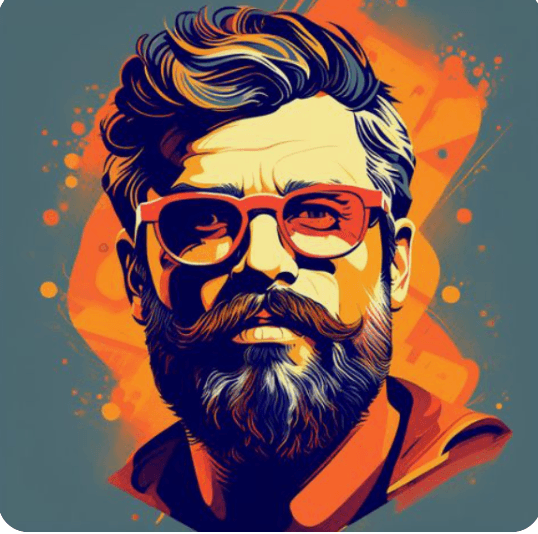
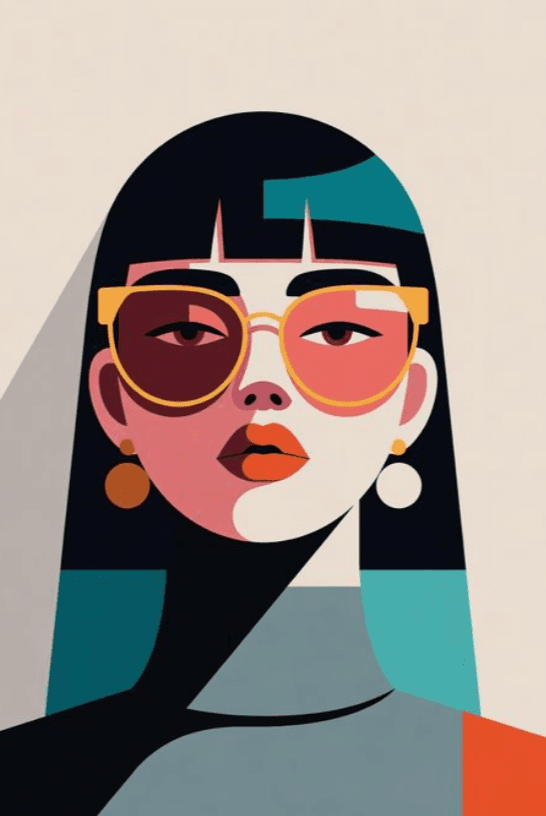
Neon rain puts colored light across the scene, so the face shares attention with atmosphere. Street pop adds high-contrast marks; inspect whether they cross the eyes or break up the silhouette. Geometric color turns the portrait into larger blocks. That simplifies some detail, but small fragments can still make a crowded circle. If a style has several strong devices, remove one until you can name the first thing you see.
Personal: retain a real cue or make a shared visual system
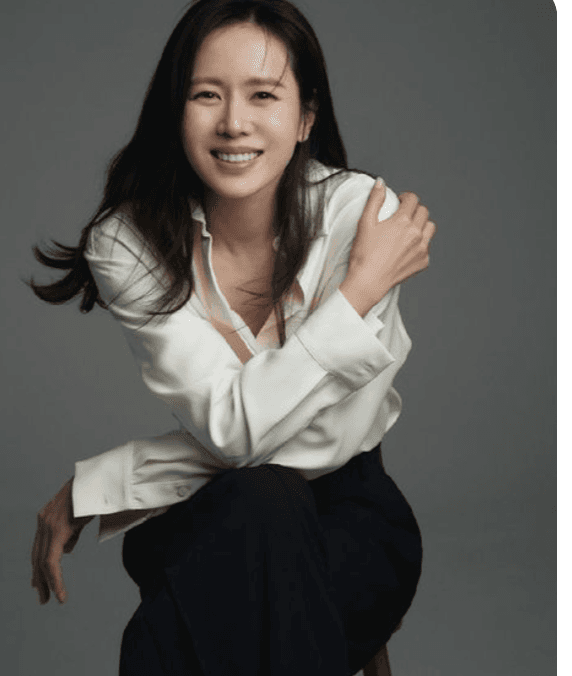

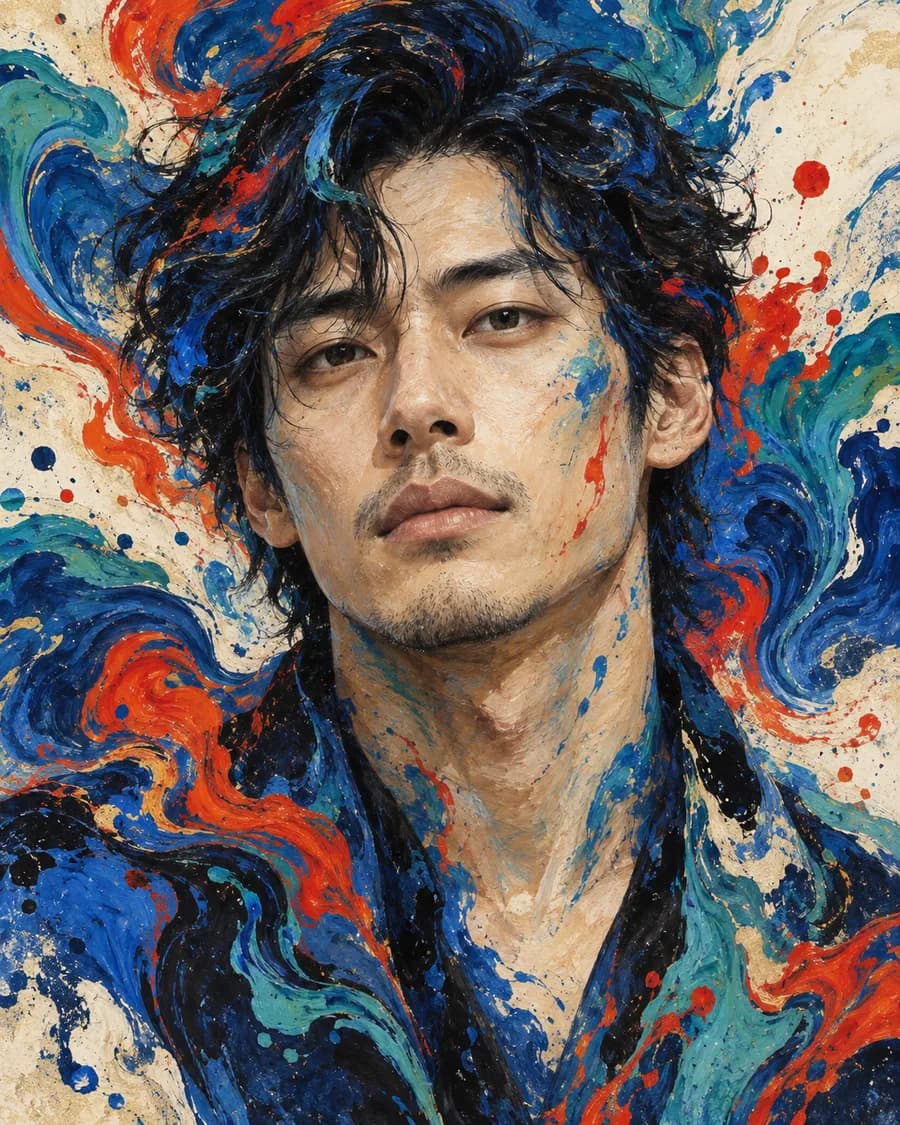
A natural portrait leaves more of the person’s own expression and features in charge. Clear-line comic simplifies shading into cleaner boundaries, keeping the image illustrated while retaining a portrait structure. A liquid-ink palette can tie two friends’ avatars together through color and texture; keep each face and crop distinct so the pair feels coordinated rather than duplicated.
Make the choice without a generator
Pick three pictures you already like and have permission to use. Preview each in a circle beside an ordinary message at the same displayed size. Cover the style labels while comparing them. Ask:
- What do I notice first: face, outline, color or background?
- Which specific cue do I want friends to recognize—glasses, hair shape, expression, or a repeated palette?
- Does the crop preserve that cue, or does a decoration take its place?
- Would I still choose this image if I removed the style label?
This small comparison is enough to reject a direction that looks appealing as a large poster but does not do the job you want from an account icon. You do not need an AI tool to make that judgment.
Discord’s Custom Profiles guide says profile avatars support PNG and GIF uploads; animated avatar GIFs require Nitro. Check the preview in Discord after uploading, since that is where your actual crop is shown.
If you want to compare a photo with a visual reference, see the Discord avatar maker. The reference images in this article are AI-created demo models or original fictional artwork; no customer photos are shown.