No prompt. Just pick a look you love.
No text to write. Upload a style image you love or admire, or choose one below; your features stay yours.
Professional style guide & galleryTWO IMAGES. NO PROMPTS.
Show the style. Keep the you.
Your photo sets the identity. A reference image sets the look. Create a new portrait without writing a single prompt—bring any style you love, or try one of ours.
Upload your photo and a style reference—or try one of ours. No prompts needed.
No text to write. Upload a style image you love or admire, or choose one below; your features stay yours.
Professional style guide & galleryAdd your photo and a style reference to continue.
After sign-in, this request starts automatically if you have creations available and uses 1 creation. Failures are returned.
3 free avatar creations · No card required
Your images stay in this browser until you sign in.
This tool redraws portraits from a photo and a reference. It does not offer text-based general image editing.
Lighting, color, clothing and artistic treatment can change. Your photo remains the identity anchor.

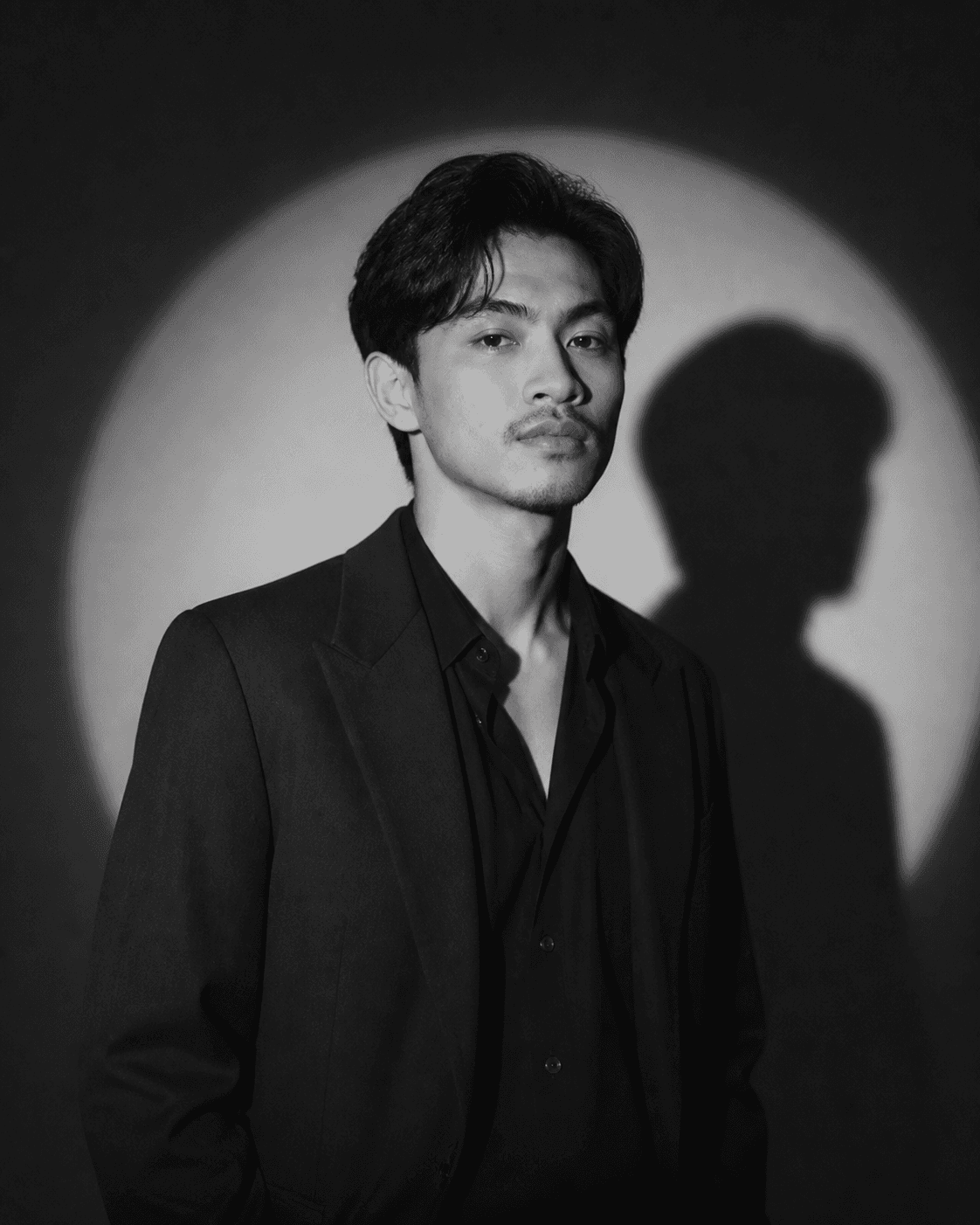
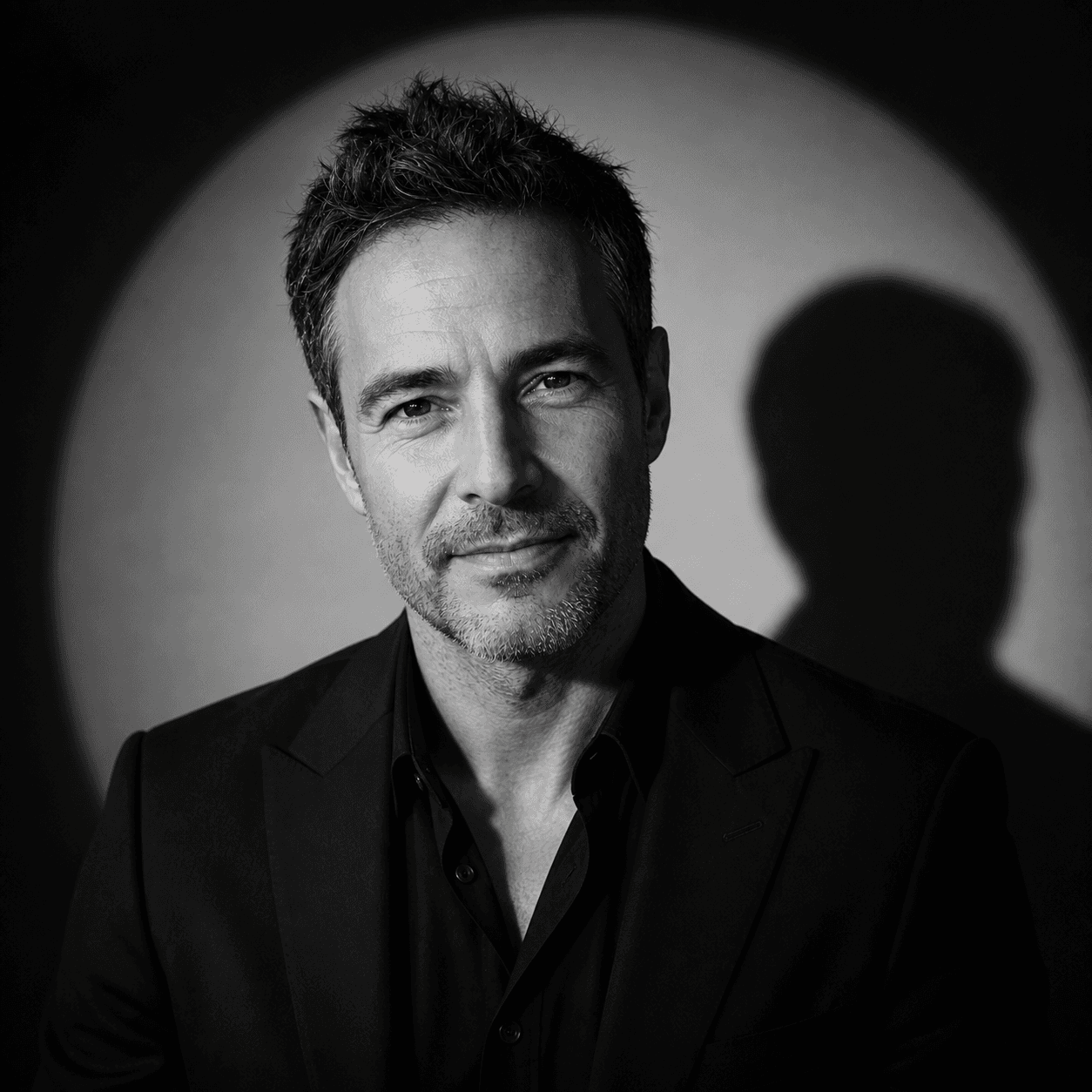
Dramatic lighting, a new mood. Still your features.
Try this reference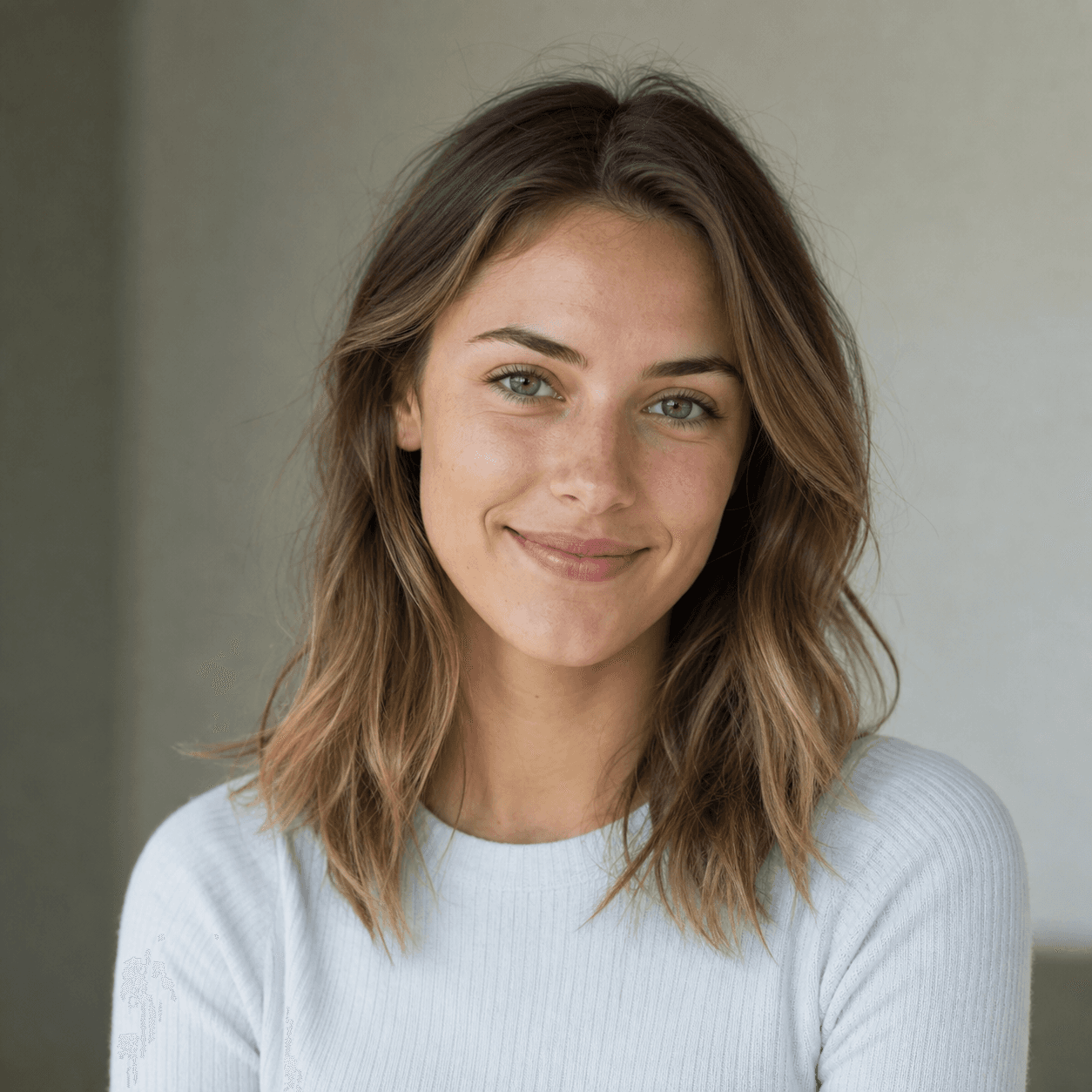
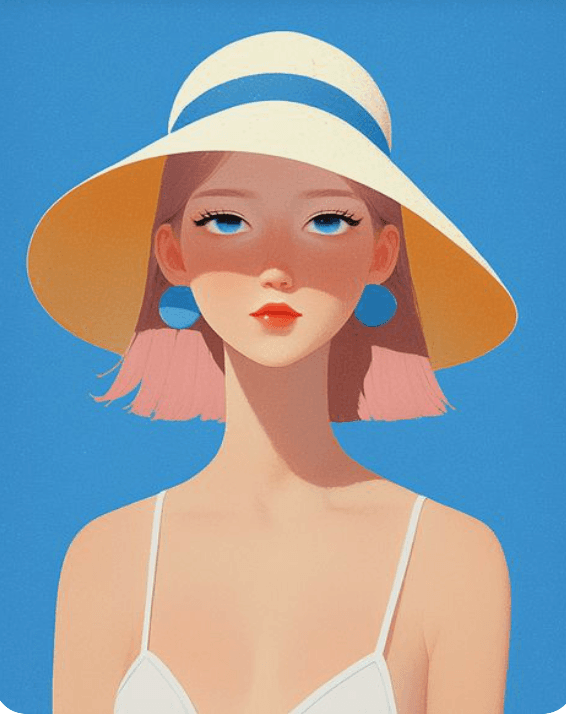
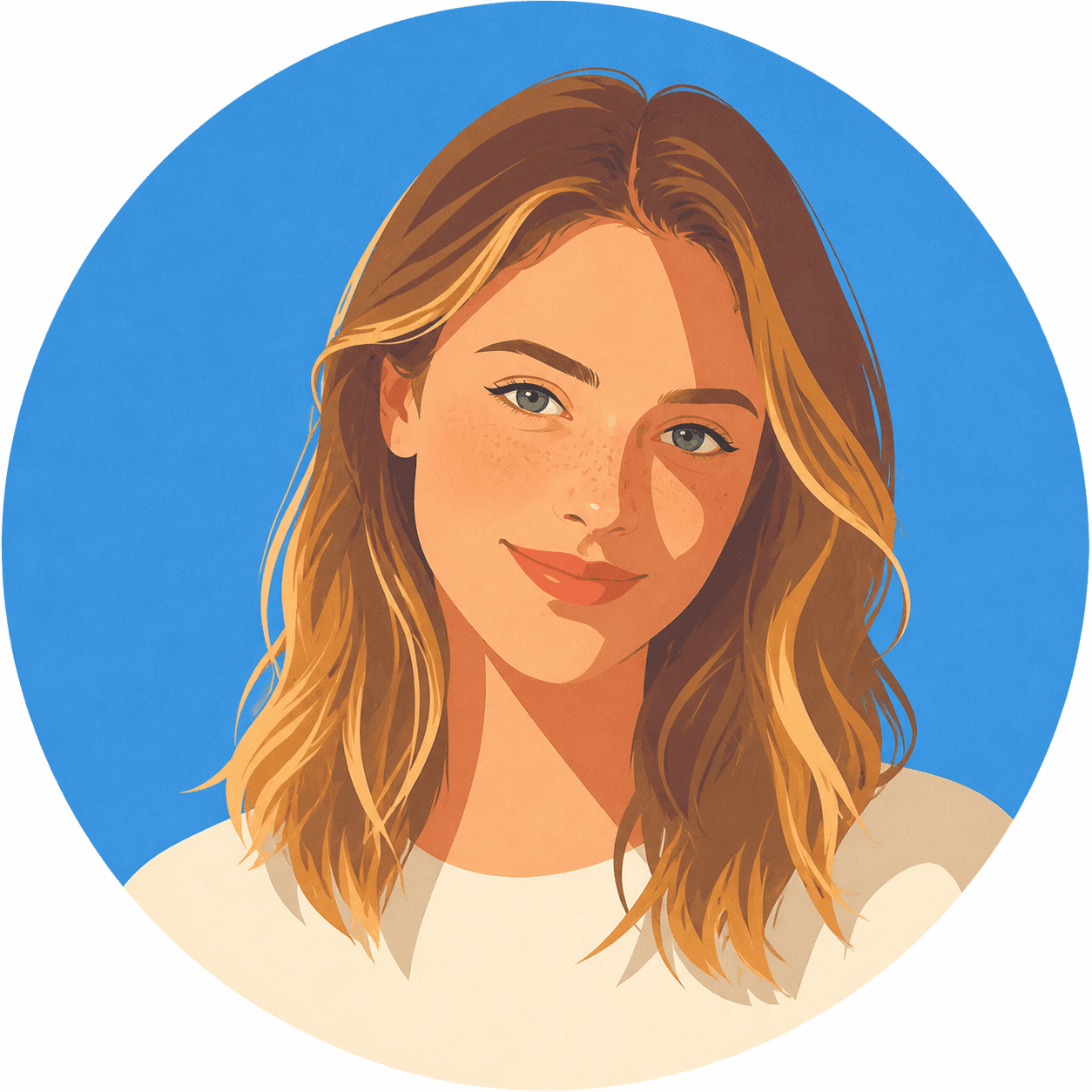
Let an illustration guide the colors and shapes.
Try this reference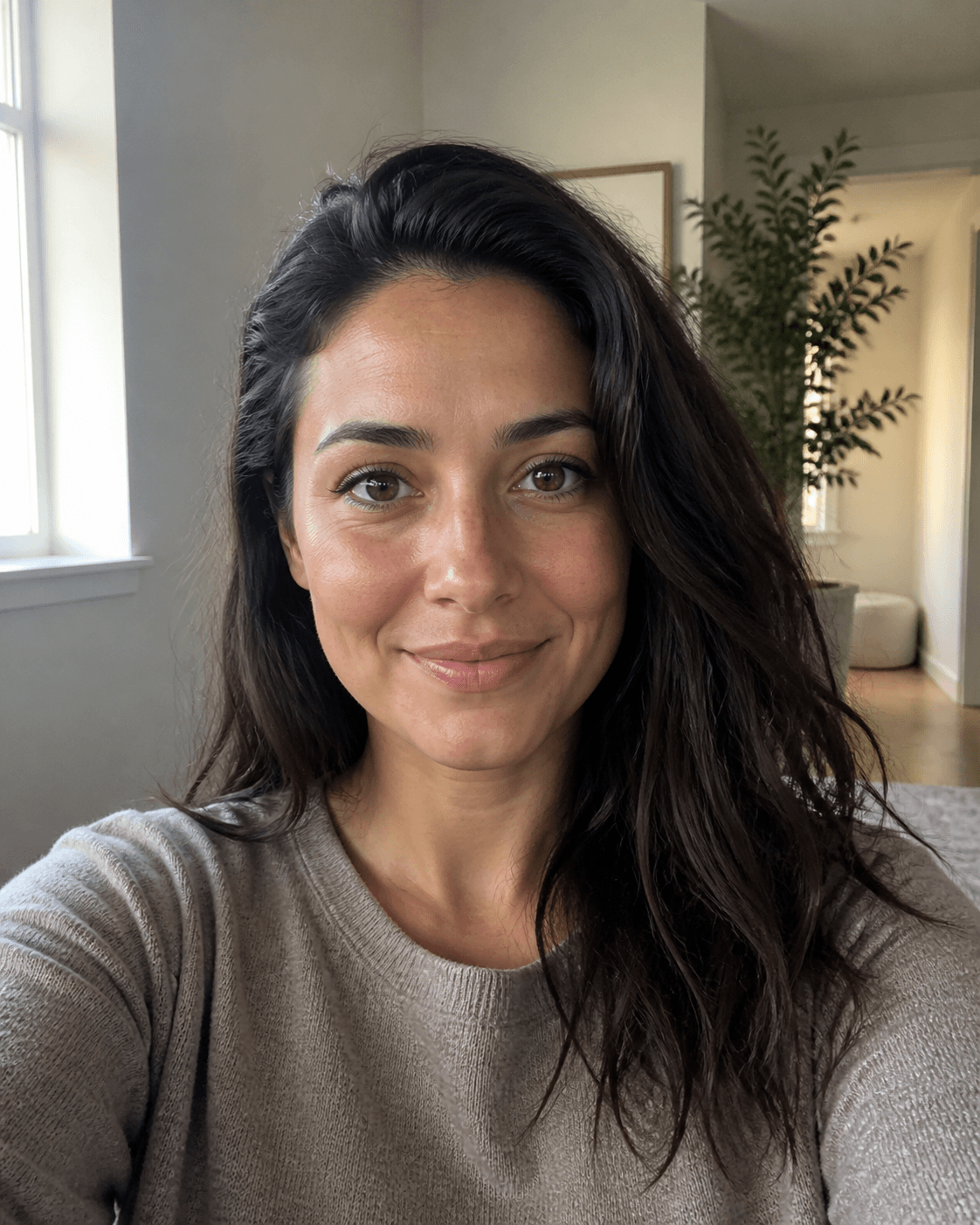
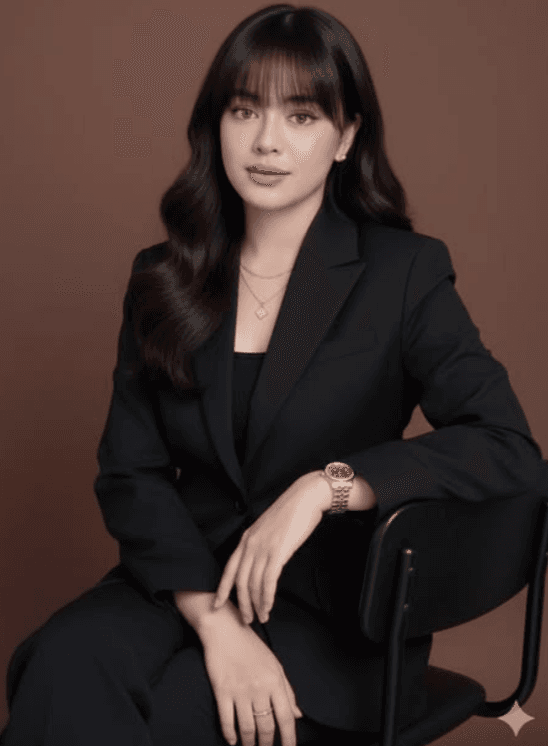
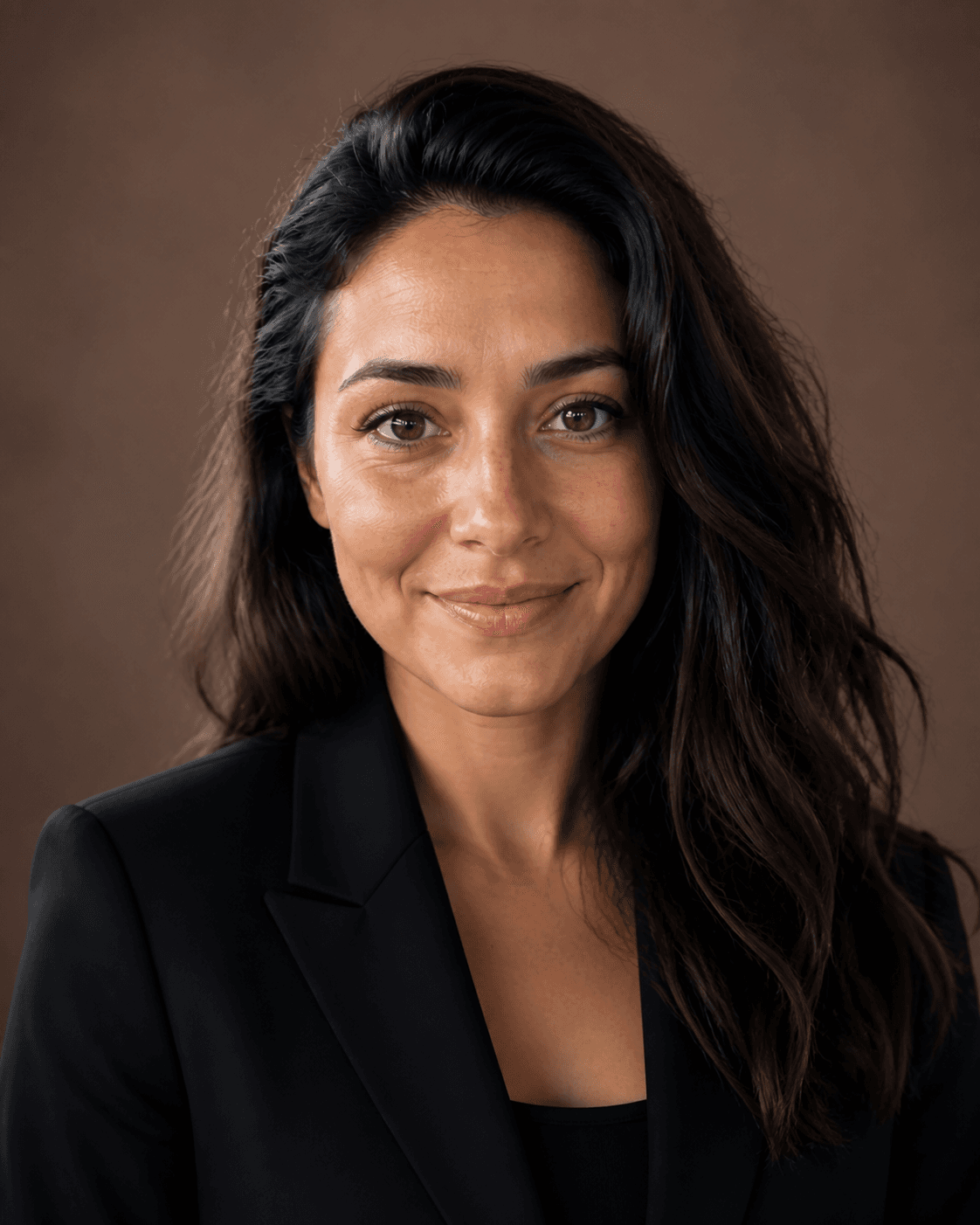
Turn a casual photo toward a polished portrait.
Try this referenceAI-created demo models. Examples show the photo, reference and generated result; your results will vary.
Instead of translating a visual idea into words, upload a reference that shows it. RemixAvatar uses your source photo for identity and the reference for the portrait’s visual direction.
Start with a clear face photo and a reference you have permission to use. You can explore illustration, cinematic light or a studio look with the same two-image workflow.
Explore 36 style ideasNo. Upload your photo and a style reference. The two images provide the identity and visual direction, so there is no prompt box to fill in.
Yes. Bring a reference you are authorized to use. The built-in gallery is an optional starting point, not a limit on your style choices.
The reference guides lighting, clothing, pose and artistic treatment. Your photo guides the facial features that make you recognizable. This redraws a portrait; it does not paste another person’s face onto yours.
Each request creates one portrait and uses one creation. If generation fails, the creation is returned. Eligible new accounts receive three free creations; more are available in one-time packs.
Your two images are sent to APIMart to generate the portrait. RemixAvatar does not keep permanent source copies or publish your uploads without separate permission. Provider processing and retention are explained in our Privacy Policy. Read the Privacy Policy