
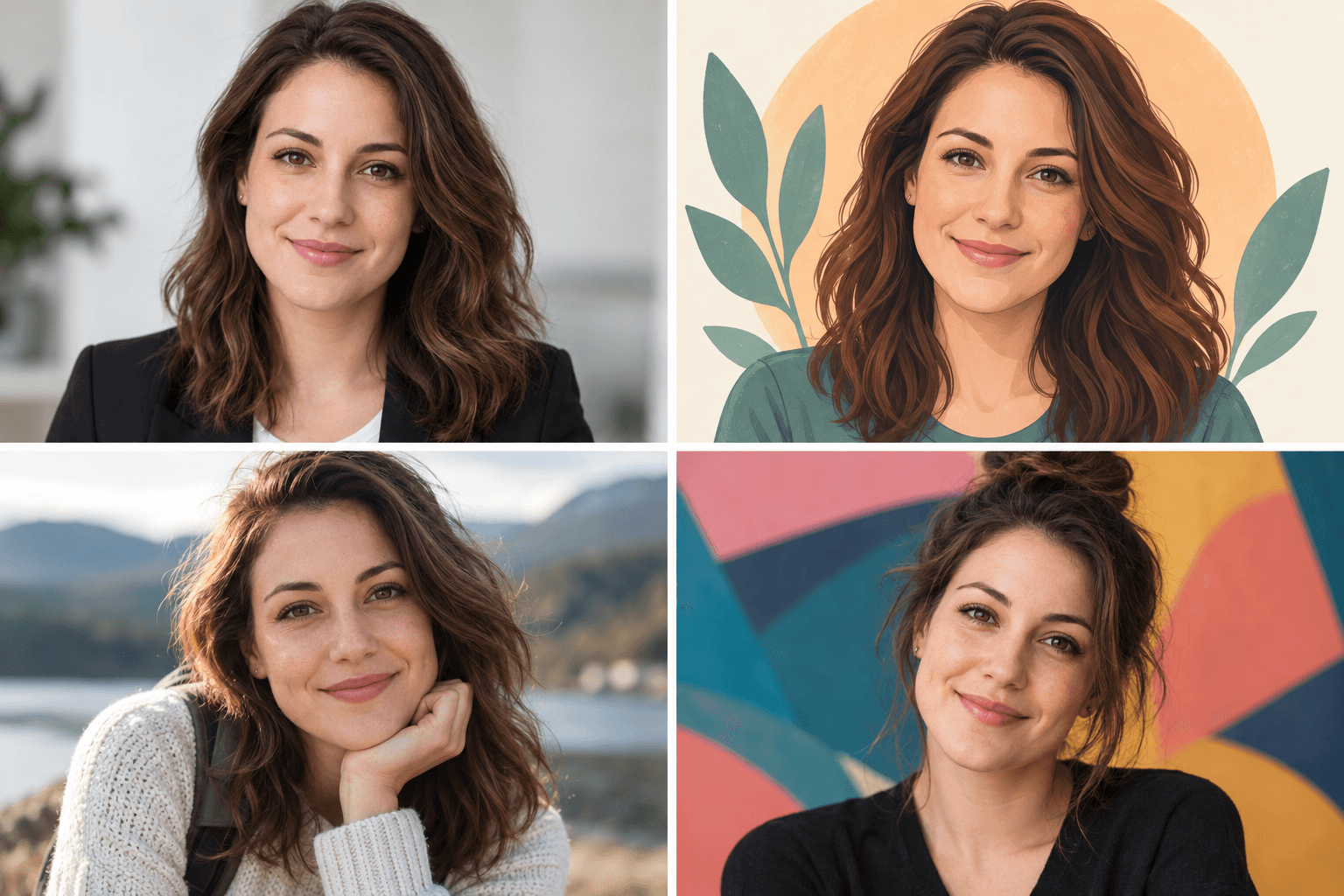
How to Choose a Profile Picture: A Visual Guide
Your favorite photograph might be from a trip: you beside a mountain, with a sunset behind you. What you like is not only the face. It is also the place, the pose and the memory.
Beside a short message, the mountain and sunset may become patches of color, and the person a small dot. The photograph has not become worse. It has been given a different job: helping someone recognize an account instead of inviting them to enjoy a scene.
Use these three checks before choosing:
- Clarity: Eyes and the face outline remain clear at the size where the picture will appear.
- Circular crop: Eyes, chin and hair stay inside the circle, or can be repositioned to fit.
- Small-size recognition: At least one useful cue—such as glasses, hair shape or a bold color—still shows at a glance.
When choosing a profile picture, ask what survives the reduction, not only whether the full photograph looks good.
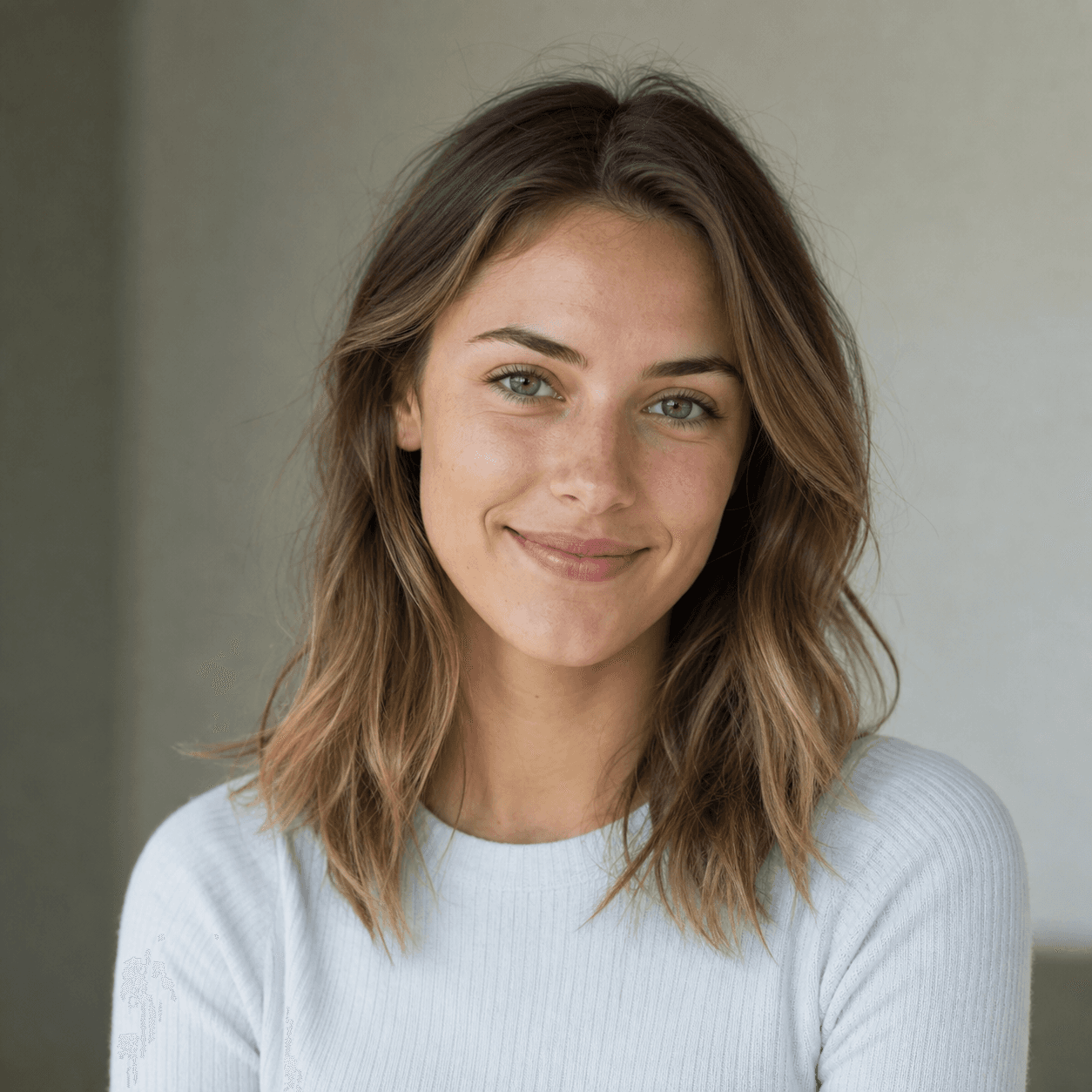
Below are a fictional adult subject's original portrait and four visual versions. Each appears as a larger square and a 48 × 48 CSS-pixel circle. See whether you choose the same picture at both sizes.
 48 px
48 px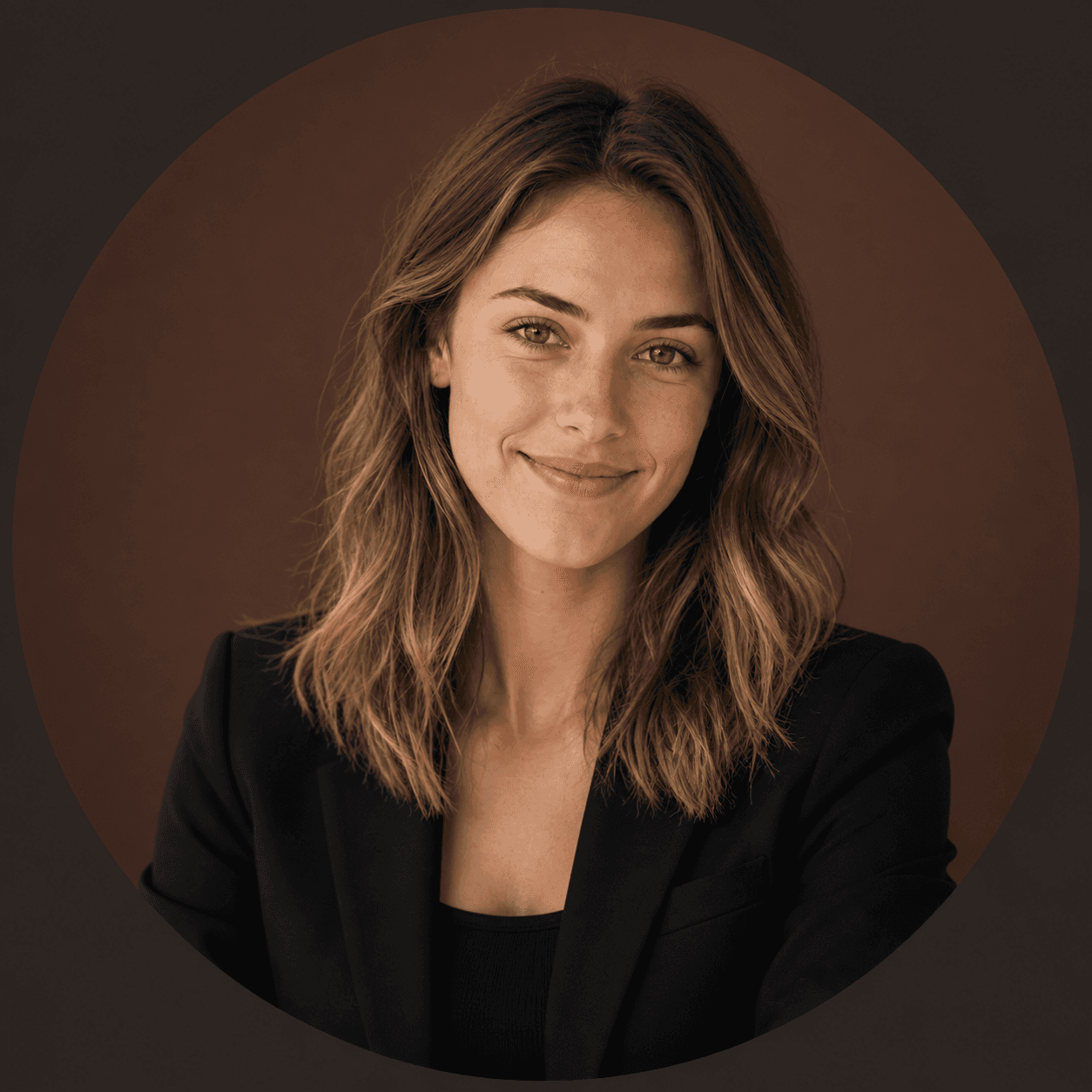
 48 px
48 px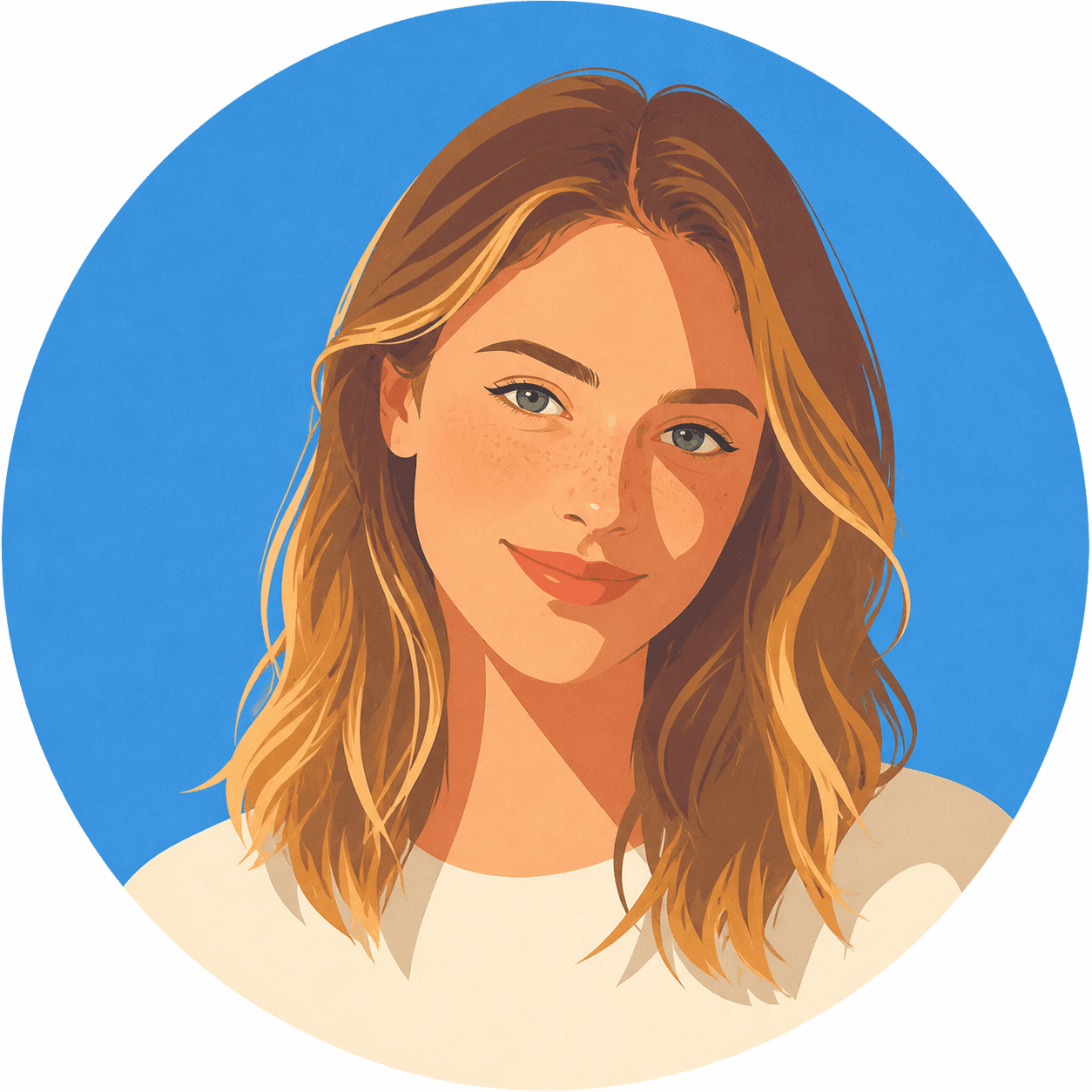
 48 px
48 px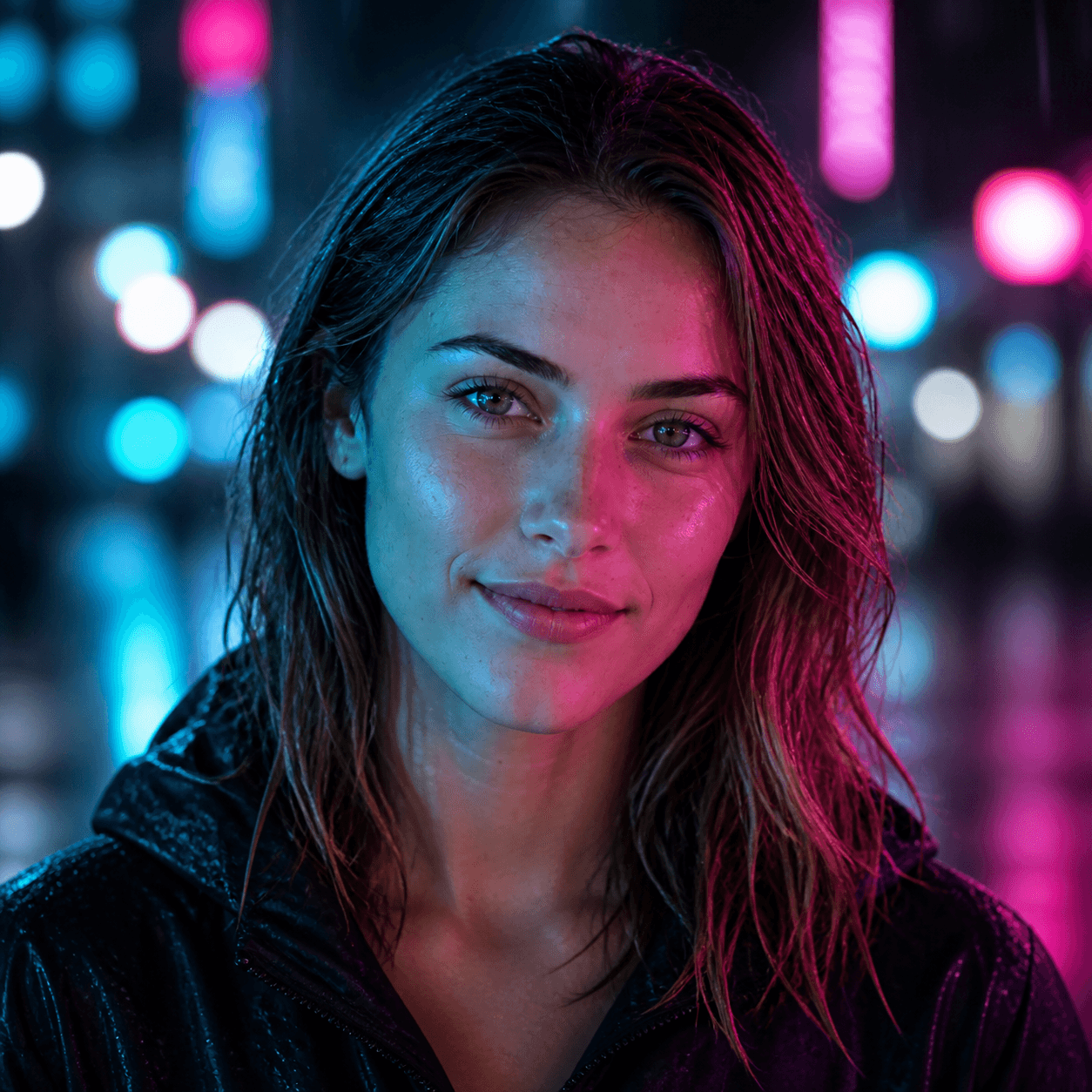
 48 px
48 px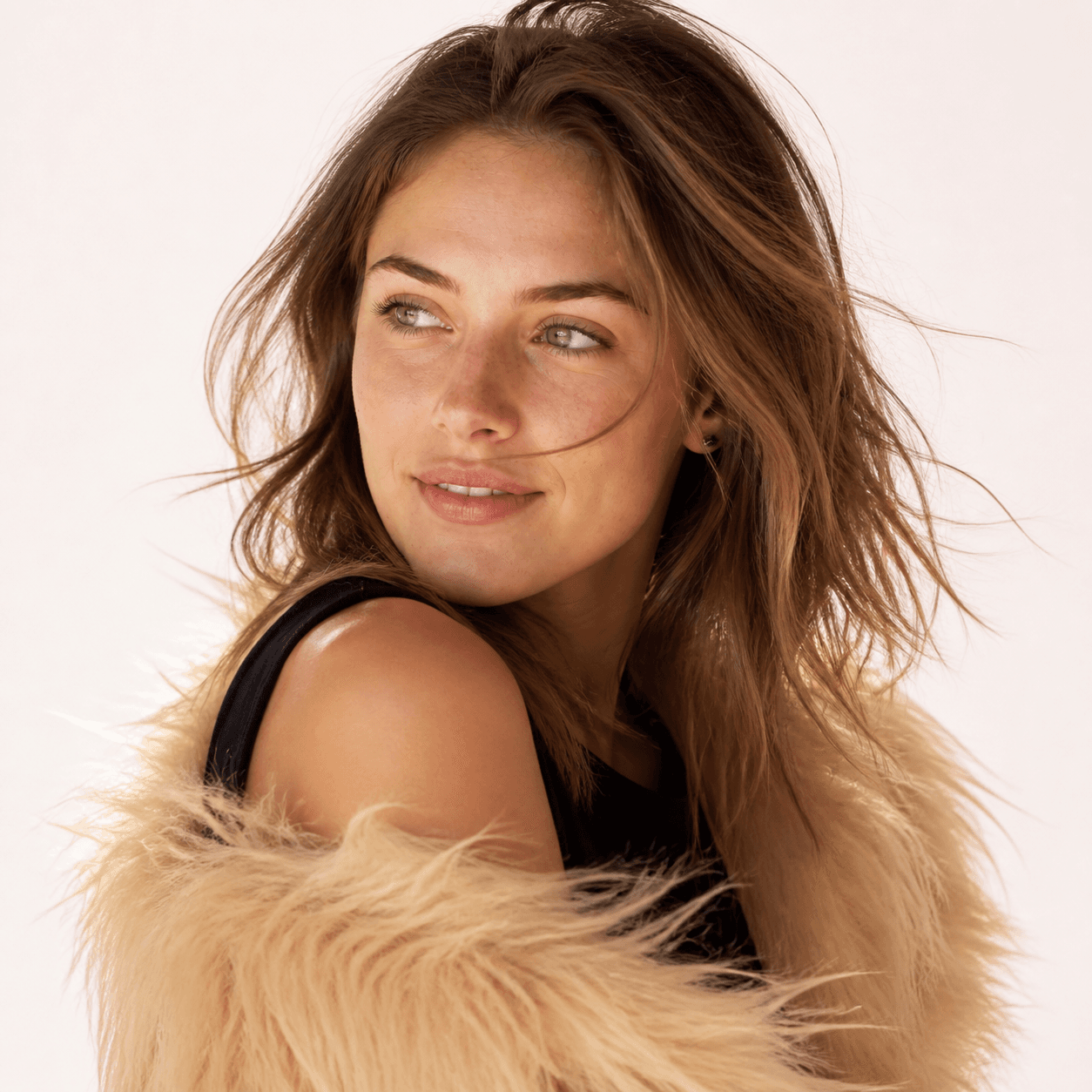
 48 px
48 pxImage notes: These are existing AI-created demo model editorial illustrations, not customer photographs. This is a visual comparison of these particular images, not a new controlled test of the current RemixAvatar model. We did not measure recognition with human participants. The 48-pixel display is a consistent viewing condition for this article, not a platform upload requirement. Physical pixel counts vary with screen density.
A circular crop removes more than corners
First compare the fashion version as a square and a circle. This pair keeps the same display width and changes only the mask, so you can inspect what disappears.
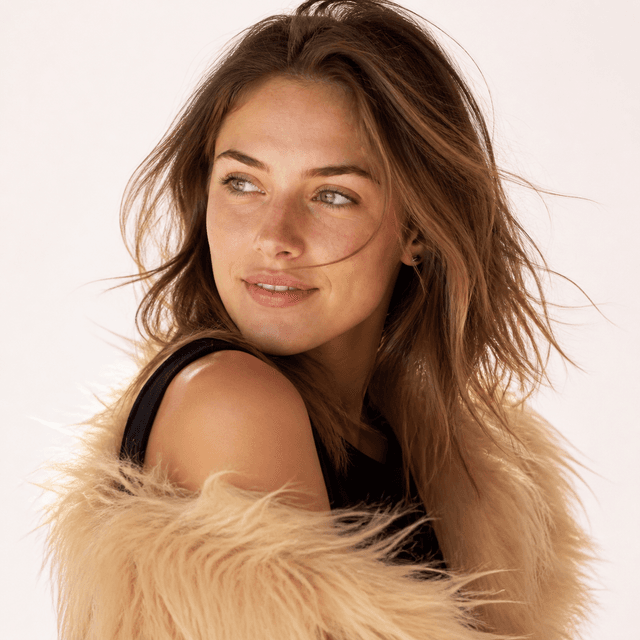
The square's corners hold extensions of the hair, shoulder and textured clothing that help explain the pose. The circular mask cuts those corners without understanding the original composition. A centrally placed face may survive, but a travel photograph with the person near an edge can lose part of its subject in a default centered crop.
Treat cropping as a decision rather than a final confirmation. Move the image inside the circle and check the eyes, chin and hair before deciding how much background to retain. If the entire scene is necessary to keep what you like about the photograph, give it a place in an album or cover instead of forcing it to work as a small avatar.
Skin detail fades; outlines and color blocks remain
Look at the original portrait. In the larger image, the freckles, eye color and individual strands of hair are easy to inspect. In the small circle, without enlarging the page, those details have much less room to establish identity. The wavy brown hair, off-center part, facial outline and size of the face in the frame are more useful things to compare.
This is one reason a more detailed image does not automatically make a more useful small avatar.
The illustration takes a different approach. Hair becomes a set of brown and golden shapes against a blue background. In the small version, that outline and color combination do much of the work; the freckles are not the main signal. It can function as a repeated account icon without necessarily being the best way for a colleague to recognize the person in a meeting.
Those are two different goals: recognizing someone's appearance and recognizing the account that posted earlier. Appearance matters to the first; a stable color and shape can also help with the second. Decide which job your picture needs to do.
A professional outfit does not automatically make the face clearer
The professional version swaps the light top for a dark jacket and places the subject against brown. In the larger view, the change of setting is obvious. At 48 pixels, there is little room to inspect the tailoring. Dark shoulders still occupy the lower frame, and the jacket has not made the face any bigger.
If you like this direction for work but the person feels too far away, try changing the crop before changing the style.
The pair below uses the exact same professional image file. On the right, we enlarge the image inside the circle to 1.25 times its original scale, around a point 50% across and 35% down the image. There is no new generation, skin retouching or added sharpening.


Compare the space given to the face and shoulders. The closer crop allocates more of the circle to the face and less to clothing and background. It also leaves less room above the head. That is the trade-off, rather than an improvement without a cost.
For a work profile that helps someone confirm “this is the person I met,” I would try this adjustment before adding more signals of professionalism. A jacket changes the clothing; it cannot replace the face as the useful information.
Cropping has limits. If the eyes are out of focus, hair hides the face, or the edited features no longer resemble the source, zooming in only enlarges the problem. That is a reason to change the input or the reference, rather than keep tightening the frame.
With neon, the lighting may become the memorable part
The neon version keeps a front-facing portrait, but blue and magenta light divide the face, with bright shapes behind it. In the larger image, you can inspect the wet hair, skin and lighting separately. In the small circle, the two strong colors become a more prominent part of the picture.
That can be useful. If your gaming account follows a blue-and-magenta visual identity, the lighting contributes to it. The decision is whether you want the face or that color combination to be the first thing people remember.
I would be more cautious on a work profile where someone needs to match a photograph to a person. Strong colored light adds another visual change to interpret. For a personal account built around a particular look, I might keep it and simplify the surrounding decorations so the picture has one main emphasis.
That is an editorial judgment about this example, not a finding that all neon portraits are hard to recognize. A brighter face and quieter background could lead to a different choice.
The fashion portrait has a composition problem, not necessarily a resolution problem
In the fashion version, the face turns to one side. A shoulder, loose hair and pale textured clothing share the frame. The pose is part of the large image's appeal: it reads as a portrait with a setting and a moment, rather than a face waiting to be cut into a circle.
The small crop reveals the cost. Clothing and shoulder still take up space, while the face and gaze sit at an angle. Making every pixel sharper would not change how the composition distributes that space.
I might choose this image for a creator's larger profile portrait or cover. For a message-list icon, I would first try a closer face crop. If that removes the pose that made the photograph appealing, I would give the two images different jobs. A good portrait does not have to be the best small icon.
A separate avatar and cover can be more useful than forcing one composition into every position for the sake of consistency.
Which would we keep?
There is no winner independent of purpose. For these particular images, here is where I would start:
| The job | My first choice | The trade-off I would accept |
|---|---|---|
| Help work contacts match the picture to the person | The original or the closer professional crop | Less dramatic styling; more space for the face |
| Give community members a repeatable account icon | The blue-background illustration | Simplified skin and photographic detail; a stable outline and palette |
| Establish a distinct gaming or personal look | The neon portrait | Lighting becomes a major cue and changes the apparent skin color |
| Show a personal portrait with pose and atmosphere | The fashion version | It benefits from a larger presentation rather than doing every job as a tiny icon |
Each choice gives the image one primary task. Requiring the same picture to be immediately recognizable, dramatically posed and visually elaborate makes both the reference and the result harder to judge.
Repeat the comparison with your own photo
You do not need ten new versions. Start with a baseline: a clear picture of your face that you would be willing to use without editing. Then choose one visual direction you actually want to try.
Crop the original and the new version in the same way, reduce both to small circles, and place them beside a short message. Ask three specific questions:
- Are the personal features I wanted to keep still present? Name one or two: the shape of your glasses, your hair part or your facial outline. “It sort of looks like me” gives you little to act on.
- Is the first thing I notice the thing I want to emphasize? If it is lighting, clothing or background, decide whether that suits the account rather than treating it as automatically wrong.
- Can a crop solve the problem? Try a closer view first. If the features changed, the subject is obscured or the face is blurry, change the input or reference instead.
To explore two of these directions, compare the professional headshot references or anime avatar references. If you already have a visual reference, use the photo-and-reference creator to try it with your own photo.
Choose the picture you would use in its actual setting, rather than only the one you would stop to admire in a gallery.